
Wordtune
Cappy’s Quick Take
| At a glance | Details |
|---|---|
| What it is | An AI writing assistant that rewrites your sentences in different tones and lengths |
| Pricing | Freemium · Advanced $6.99/month · Unlimited $9.99/month (annual billing) |
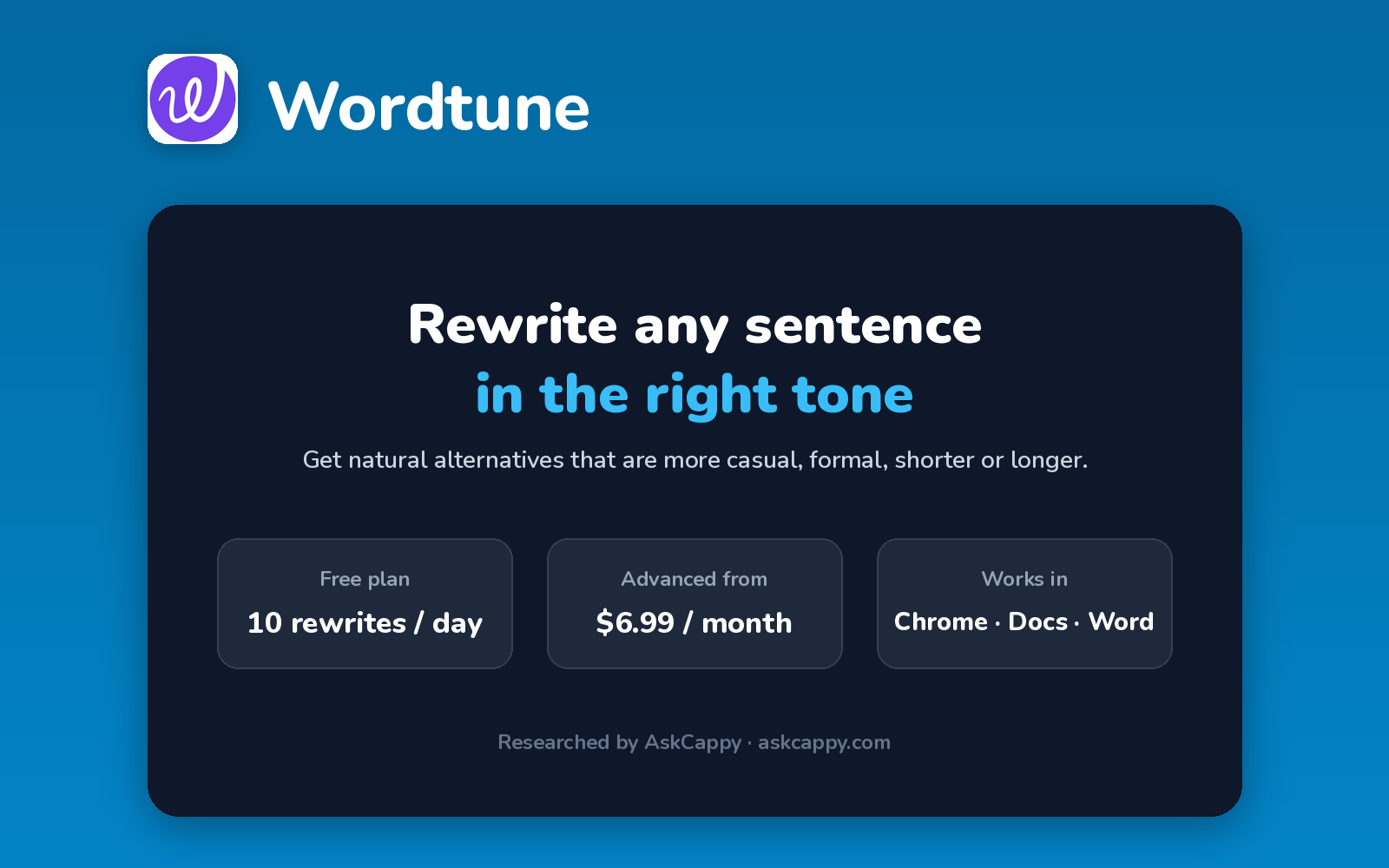
| Free plan | Yes, 10 rewrites a day and 3 summaries a month |
| Works with | Works in your browser, Google Docs, Microsoft Word and email |
| Best for | People who want to rephrase their own writing quickly and naturally |
| Cappy Score | 4.0/5 |
What is Wordtune?
Wordtune is an AI writing assistant focused on rewriting. Highlight a sentence, and it suggests alternative versions: more casual, more formal, shorter or longer.
It also summarizes long articles and documents, and fixes spelling and grammar. It works as a browser extension, so you can use it in Google Docs, email and most websites.
Wordtune is best for polishing what you’ve already written, rather than generating long content from scratch.
Key features
- Rewrites: get several alternative versions of any sentence.
- Tone and length: make text casual, formal, shorter or longer.
- Summaries: condense long articles, documents and videos.
- Spelling and grammar: unlimited corrections on every plan.
- Browser extension: use Wordtune in Google Docs, Gmail and most websites.
- Word add-in: rewrite directly in Microsoft Word.
Pricing plans
| Plan | Price | Good for |
|---|---|---|
| Basic | $0 | Occasional rewrites, with 10 a day |
| Advanced | $6.99/month billed annually, or $13.99 billed monthly | Regular writers who need 30 rewrites a day |
| Unlimited | $9.99/month billed annually, or $19.99 billed monthly | Daily writers who want unlimited rewrites and summaries |
| Business | Custom | Teams and organizations |
Which plan should you pick? Start on Basic. If you rewrite every day, Unlimited on annual billing costs only a few dollars more than Advanced and removes all limits.
Wordtune free plan: what you get
| Feature | Details |
|---|---|
| Rewrites | 10 per day |
| AI summaries | 3 per month |
| Spelling and grammar | Unlimited |
| Platforms | Browser extension and web app |
The catch: The 10 daily rewrites are shared across every place you use Wordtune, so a single editing session can use them up.
Who is Wordtune for?
- Professionals: polish emails and reports.
- Non-native English writers: find natural ways to phrase things.
- Students: rework sentences in essays.
- Busy readers: summarize long articles quickly.
Consider something else if you need long-form content generated from scratch, or write in languages other than English.
Pros and cons
Pros
- Natural-sounding sentence rewrites
- Cheap paid plans on annual billing
- Unlimited spelling and grammar fixes on every plan
- Works in the tools you already use
Cons
- Free plan is limited to 10 rewrites a day
- Focused on sentences, not full documents
- English-only output
- Monthly billing roughly doubles the price
Wordtune alternatives
| Tool | Why consider it |
|---|---|
| Grammarly | Full grammar, tone and AI writing help everywhere |
| QuillBot | Paraphrasing in many modes plus summaries and citations |
| Jasper | Long-form marketing content with brand voices |
| Rytr | Budget AI copy generation |
How to get started with Wordtune
- Sign up free with your email or Google account.
- Install the Chrome extension or Word add-in.
- Highlight a sentence and pick a rewrite you like.
- Summarize long reads with the summary tool.
Tip: On the free plan, save your daily rewrites for the sentences that matter most, like openings and key points.
Frequently asked questions
Is Wordtune free?
Yes. Wordtune’s Basic plan includes 10 rewrites a day, 3 AI summaries a month and unlimited spelling and grammar fixes.
How much does Wordtune cost?
Advanced costs $6.99 per month billed annually ($13.99 monthly), and Unlimited costs $9.99 per month billed annually ($19.99 monthly).
Does Wordtune work in Google Docs?
Yes. The Wordtune browser extension works in Google Docs, Gmail and most websites.
What’s the difference between Advanced and Unlimited?
Advanced gives 30 rewrites a day and 15 summaries a month. Unlimited removes those limits.