
Grammarly
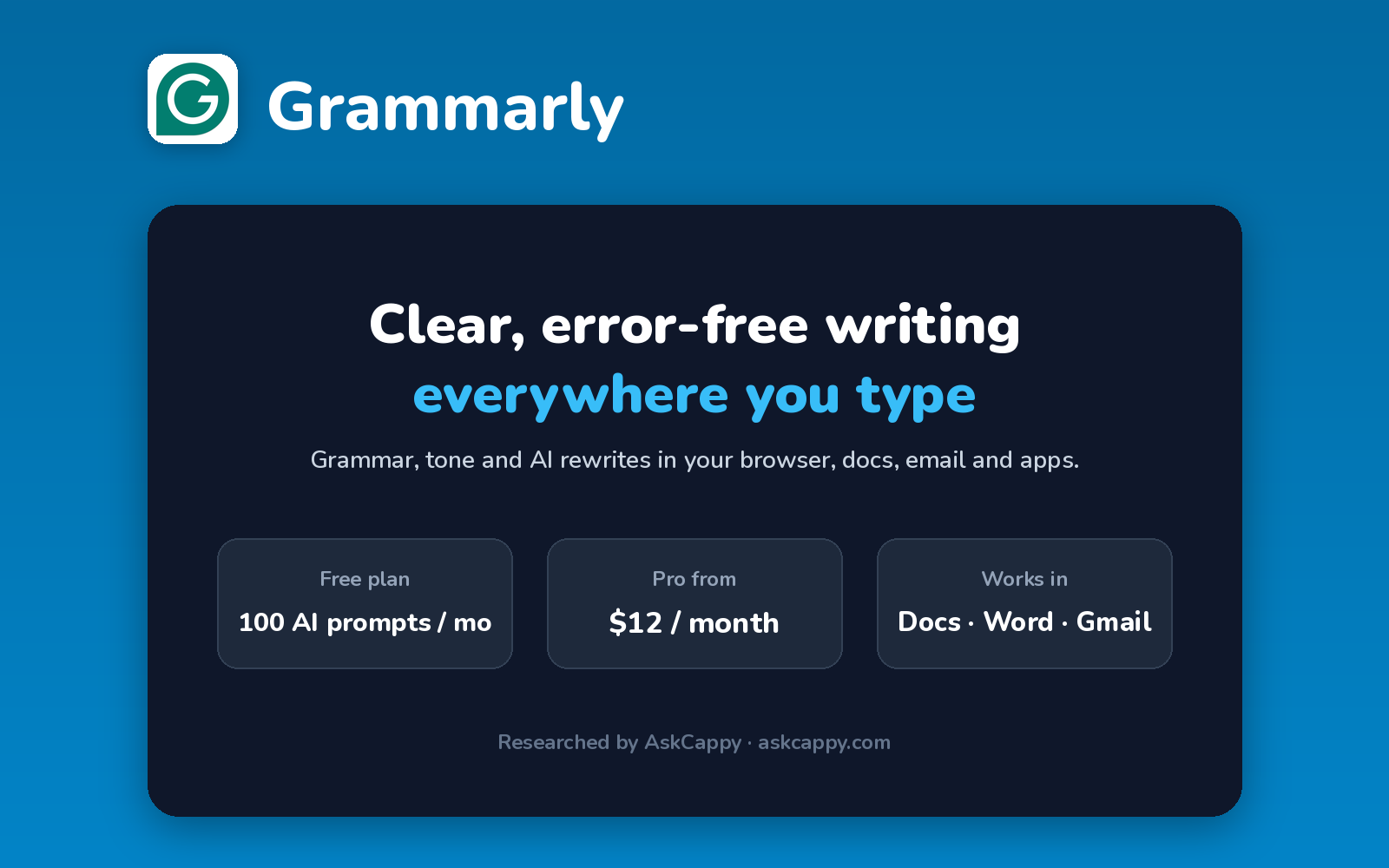
Cappy’s Quick Take
| At a glance | Details |
|---|---|
| What it is | An AI writing assistant that checks grammar, spelling and tone everywhere you write |
| Pricing | Freemium · Pro $12/member/month (annual billing) · Enterprise custom |
| Free plan | Yes, grammar and spelling checks plus 100 AI prompts a month |
| Works with | Works in your browser, Google Docs, Microsoft Word, email and more |
| Best for | Anyone who writes for work or study and wants clear, error-free text |
| Cappy Score | 4.6/5 |
What is Grammarly?
Grammarly is an AI writing assistant that checks your spelling, grammar, punctuation and tone as you type. It works across your browser, email, documents and apps, so the same help follows you everywhere you write.
Beyond corrections, Grammarly can rewrite sentences for clarity, adjust your tone and generate text from AI prompts. Pro adds full-sentence rewrites, plagiarism detection and far more AI prompts.
Its free plan is genuinely useful for everyday writing, which is why it’s one of the most widely used writing tools.
Key features
- Grammar and spelling: catch errors in real time as you type.
- Tone detection: see how your writing sounds and adjust it.
- Full-sentence rewrites: rewrite unclear sentences in one click (Pro).
- AI prompts: draft, rewrite or brainstorm with generative AI (100 a month on Free, 2,000 on Pro).
- Plagiarism detection: check your writing against web sources (Pro).
- Works everywhere: browser extension, desktop apps, mobile keyboard, Word and Google Docs.
Pricing plans
| Plan | Price | Good for |
|---|---|---|
| Free | $0 | Everyday spelling, grammar and tone checks |
| Pro | $12/member/month billed annually ($144/year), or $30 billed monthly | Daily writers and teams up to 149 people |
| Enterprise | Custom | Large organizations needing advanced security and admin controls |
Which plan should you pick? Start on Free. Upgrade to Pro if you write every day and want full rewrites, plagiarism checks and more AI prompts. Annual billing costs less than half the monthly price.
Grammarly free plan: what you get
| Feature | Details |
|---|---|
| Spelling and grammar | Included |
| Tone detection | Included |
| AI prompts | 100 per month |
| Full-sentence rewrites | Pro only |
| Plagiarism detection | Pro only |
The catch: Some of the most useful suggestions, like full-sentence rewrites, are reserved for Pro, and 100 AI prompts a month go quickly if you rely on AI.
Who is Grammarly for?
- Students: polish essays and assignments.
- Professionals: write clear emails and reports.
- Non-native English writers: write with more confidence.
- Teams: keep writing consistent with shared style rules (Pro).
Consider something else if you mainly need long-form content generation, or write in languages other than English.
Pros and cons
Pros
- Very useful free plan
- Works across almost every app you write in
- Accurate grammar and tone suggestions
- Pro covers individuals and teams up to 149
Cons
- Monthly Pro billing is expensive
- Full rewrites and plagiarism checks need Pro
- AI prompts are capped on every plan
- Focused on English
Grammarly alternatives
| Tool | Why consider it |
|---|---|
| QuillBot | Paraphrasing, summarizing and a cheaper Premium plan |
| Wordtune | Sentence-level rewrites and tone changes at a low price |
| Jasper | Marketing content generation with brand voices |
| Rytr | Budget-friendly AI copy generation |
How to get started with Grammarly
- Sign up free with your email or Google account.
- Install the browser extension or desktop app.
- Write as usual, and accept or ignore Grammarly’s suggestions.
- Set your goals (audience and tone) for more relevant suggestions.
Tip: Choose annual billing if you upgrade: Pro is $12 a month that way, compared with $30 paid monthly.
Frequently asked questions
Is Grammarly free?
Yes. Grammarly Free checks spelling, grammar and tone, and includes 100 AI prompts a month.
How much does Grammarly Pro cost?
Pro costs $12 per member per month billed annually ($144 a year), or $30 billed monthly.
Does Grammarly work in Google Docs and Word?
Yes. Grammarly works in Google Docs, Microsoft Word, email and most websites and apps.
Does Grammarly have a plagiarism checker?
Yes, plagiarism detection is included in Grammarly Pro.