
Otter.ai
Cappy’s Quick Take
| At a glance | Details |
|---|---|
| What it is | An AI meeting assistant with live transcription, summaries and AI chat |
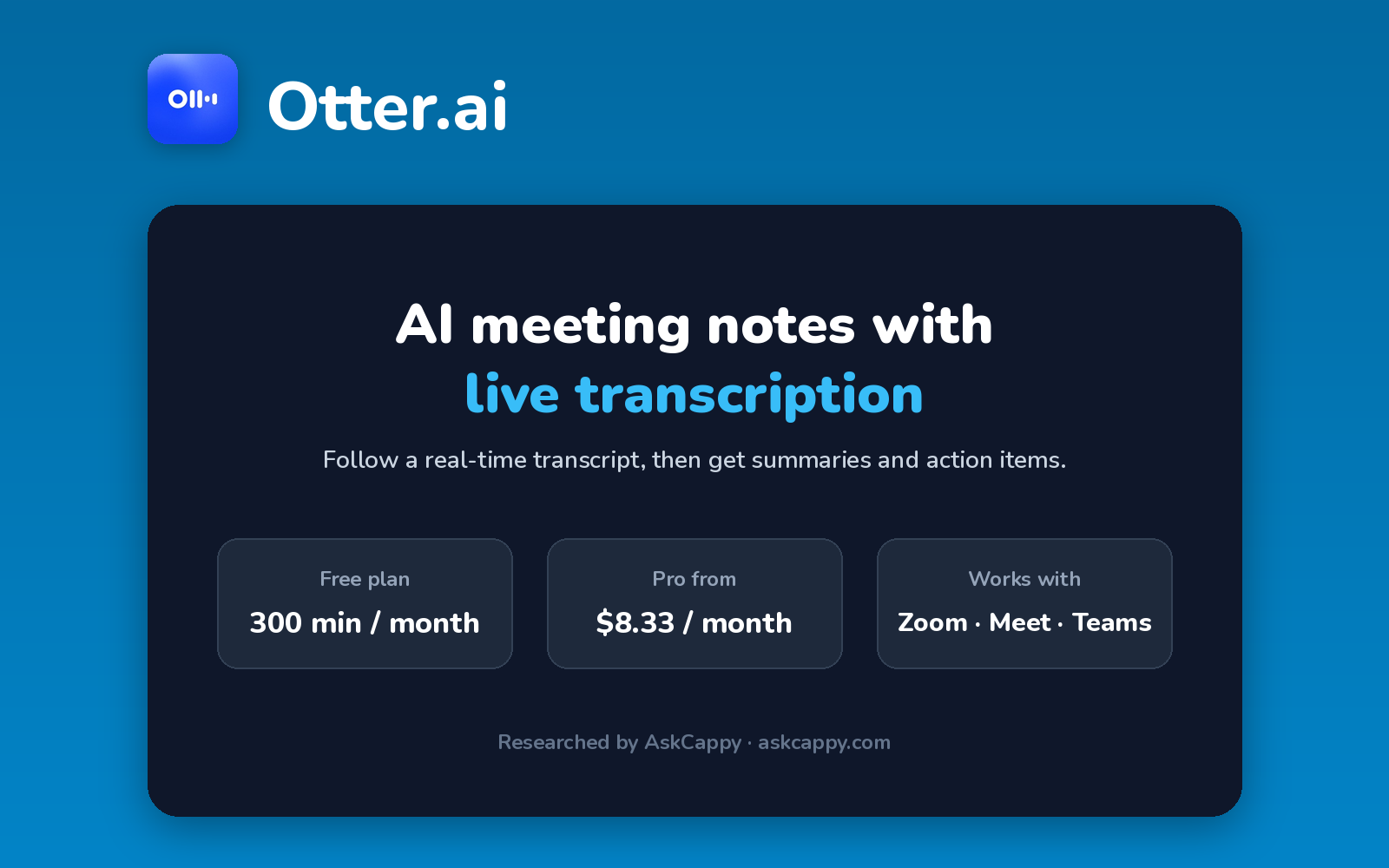
| Pricing | Freemium · Pro from $8.33/user/month · Business from $19.99/user/month (annual billing) · Enterprise custom |
| Free plan | Yes, 300 minutes a month, with each conversation capped at 30 minutes |
| Works with | Zoom, Google Meet and Microsoft Teams, plus web, iOS and Android apps |
| Best for | Students, individuals and small teams who want a live transcript during calls |
| Cappy Score | 4.1/5 |
What is Otter.ai?
Otter.ai is an AI meeting assistant that transcribes conversations in real time and turns them into summaries with action items. Its notetaker can join Zoom, Google Meet and Microsoft Teams calls, and you can also record in-person conversations with its mobile apps.
What sets Otter apart is its live transcript: you can follow along, highlight moments and add comments while the meeting is still happening. After the call, you can ask Otter’s AI Chat questions about what was said.
It suits people who want to read along in real time, such as students in lectures or anyone in fast-moving calls. Its free plan is tight on minutes, so regular users usually need Pro.
Key features
- Live transcription: follow a real-time transcript during meetings and lectures.
- Automatic notetaker: Otter can join Zoom, Google Meet and Microsoft Teams calls from your calendar.
- AI summaries: each conversation gets a summary with key points and action items.
- AI Chat: ask questions about your meetings and get answers from the transcripts.
- Speaker identification: transcripts show who said what.
- Mobile recording: record in-person meetings and conversations with the iOS and Android apps.
- File imports: transcribe existing audio and video recordings (limited on Basic and Pro).
Pricing plans
| Plan | Price per user | Good for |
|---|---|---|
| Basic | $0 | Trying Otter on a few short meetings |
| Pro | $8.33/month billed annually, or $16.99 billed monthly | Individuals with regular meetings up to 90 minutes |
| Business | $19.99/month billed annually, or $30 billed monthly | Teams with long meetings who need unlimited minutes |
| Enterprise | Custom | Large companies needing SSO, advanced security and a HIPAA add-on |
Which plan should you pick? Start on Basic to test it. Move to Pro once your meetings regularly run past 30 minutes, and choose Business if you have meetings longer than 90 minutes or need more than 1,200 minutes a month. Annual billing roughly halves the Pro price.
Otter free plan: what you get
| Feature | Basic (free) |
|---|---|
| Transcription minutes | 300 per month |
| Longest conversation | 30 minutes |
| File imports | 3 for the lifetime of the account |
| Conversation history | Your 25 most recent conversations |
| Meeting platforms | Zoom, Google Meet, Microsoft Teams |
| Live transcription | Included |
The catch: the 30-minute cap per conversation is the limit most people hit first. A one-hour meeting only gets its first 30 minutes transcribed on the free plan.
Who is Otter.ai for?
- Students: follow lectures with a live transcript and review them later.
- Journalists and researchers: transcribe interviews and search them afterward.
- Individuals and small teams: get notes and action items from regular calls.
- People with accessibility needs: read along in real time during conversations.
Consider something else if your meetings regularly run longer than 30 minutes and you want to stay free, or if you need deep CRM automation for a sales team.
Pros and cons
Pros
- Live transcription you can follow during the meeting
- Works across Zoom, Google Meet and Microsoft Teams, plus in-person recording on mobile
- Low-cost Pro plan with annual billing
- AI Chat makes past meetings searchable
Cons
- Free plan caps each conversation at 30 minutes
- Only 3 file imports on the free plan, for the life of the account
- Pro is limited to 1,200 minutes a month and 90 minutes per meeting
- The notetaker joins calls as a visible participant
Otter.ai alternatives
| Tool | Why consider it |
|---|---|
| Fireflies.ai | Unlimited transcription for auto-joined meetings on its free plan, plus CRM automation |
| Fathom | Unlimited free recordings and transcription, with no monthly minute cap |
| Granola | Takes notes on your computer without a bot joining the call |
| tl;dv | Records and clips meetings, popular with product and sales teams |
How to get started with Otter
- Sign up free with your Google or Microsoft account.
- Connect your calendar so Otter can join your Zoom, Google Meet and Teams meetings.
- Choose which meetings Otter joins: all of them, or only the ones you pick.
- Review your first transcript, check the summary and action items, and share them with your team.
Tip: tell guests at the start of the call that it’s being recorded. It builds trust, and recording laws in some places require everyone’s consent.
Frequently asked questions
Is Otter.ai free?
Yes. The Basic plan is free and includes 300 transcription minutes a month, with each conversation capped at 30 minutes.
How much does Otter.ai Pro cost?
Pro costs $8.33 per user per month billed annually, or $16.99 billed monthly, and includes 1,200 minutes a month.
Does Otter.ai work with Zoom, Google Meet and Microsoft Teams?
Yes. Otter’s notetaker can join meetings on all three platforms from your connected calendar.
What happens when a meeting runs longer than 30 minutes on the free plan?
On Basic, Otter only transcribes the first 30 minutes of each conversation. Pro raises the limit to 90 minutes, and Business to 4 hours.
Can Otter.ai record in-person meetings?
Yes. You can record in-person conversations with the Otter app on iOS or Android.