
Granola
Cappy’s Quick Take
| At a glance | Details |
|---|---|
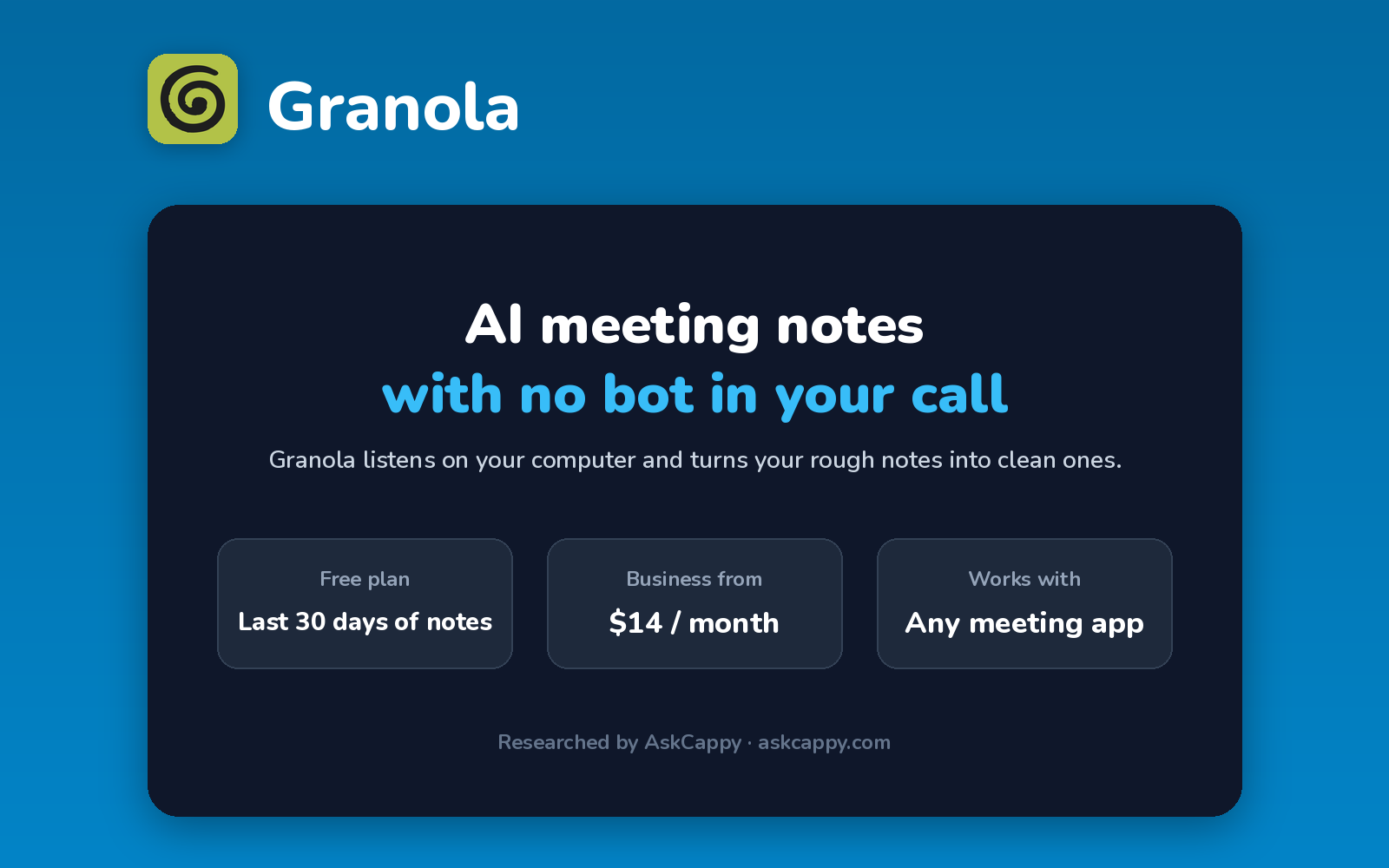
| What it is | An AI notepad that takes meeting notes from your computer, with no bot joining the call |
| Pricing | Freemium · Business $14/user/month · Enterprise $35/user/month |
| Free plan | Yes, with access to your last 30 days of notes |
| Works with | Any meeting app on your computer, plus Slack, Notion, HubSpot and more on Business |
| Best for | People who don’t want a visible bot in their calls |
| Cappy Score | 4.2/5 |
What is Granola?
Granola is an AI notepad for meetings. Instead of sending a bot to join your call, it captures the conversation’s audio directly on your computer, so guests never see an extra participant.
During the meeting, you type quick notes in Granola as you would in any notepad. Afterward, Granola combines your notes with the transcript and turns them into clean, structured meeting notes.
It suits founders, investors, consultants and anyone in client-facing calls where a recording bot would feel intrusive.
Key features
- No meeting bot: captures audio on your device, so nothing joins the call.
- AI-enhanced notes: turns your rough notes and the transcript into structured meeting notes.
- Works with any meeting app: Zoom, Google Meet, Microsoft Teams and more, since it listens on your computer.
- Templates: use note templates for different kinds of meetings.
- AI chat: ask questions about your meetings.
- Integrations: Slack on all plans, plus Notion, HubSpot, Zapier and more on Business.
- Apps: Mac, Windows, iPhone and Android.
Pricing plans
| Plan | Price per user | Good for |
|---|---|---|
| Basic | $0 | Trying Granola and keeping notes for 30 days |
| Business | $14/month, billed monthly | Individuals and small teams who want full history and integrations |
| Enterprise | From $35/month | Larger companies needing SSO, admin controls and org-wide policies |
Which plan should you pick? Start on Basic to see if the workflow suits you. Move to Business when you want to keep all your notes and connect them to tools like Notion or HubSpot. Enterprise is for companies that need SSO, Salesforce or a HIPAA BAA.
Granola free plan: what you get
| Feature | Basic (free) |
|---|---|
| Meetings | No cap on how many meetings you capture |
| Note history | Last 30 days |
| AI notes and chat | Included |
| Templates | Included |
| Integrations | Slack |
The catch: on Basic, you can only see and search your notes from the last 30 days. To keep your full meeting history, you need Business.
Who is Granola for?
- Founders and investors: take notes in pitch and client calls without a visible bot.
- Consultants and agencies: keep client conversations discreet.
- People who already take notes: Granola builds on your own notes instead of replacing them.
- Small teams: share notes and push them into Notion, Slack or a CRM on Business.
Consider something else if you want a recording of the meeting video, or advanced team analytics and coaching.
Pros and cons
Pros
- No bot joins your calls
- Works with any meeting app on your computer
- Builds on your own notes for more relevant summaries
- No cap on meetings captured, even on the free plan
Cons
- Free plan only keeps your last 30 days of notes
- Business is billed monthly only, with no annual discount
- No video recording of meetings
- Salesforce and SSO require Enterprise
Granola alternatives
| Tool | Why consider it |
|---|---|
| Fireflies.ai | Records full meetings, with AskFred and CRM automation |
| Otter.ai | Live transcription you can follow during the meeting |
| Fathom | Unlimited free recordings, transcription and storage |
| tl;dv | Records and clips meeting video to share with your team |
How to get started with Granola
- Download the app for Mac or Windows, and sign in with your Google or Microsoft account.
- Connect your calendar so Granola knows when your meetings start.
- Open Granola during a call, and type quick notes as the meeting goes.
- Review your enhanced notes after the call, and share them or send them to your other tools.
Tip: even without a visible bot, tell guests you’re taking AI-assisted notes. It builds trust, and recording laws in some places require everyone’s consent.
Frequently asked questions
Is Granola free?
Yes. Granola’s Basic plan is free, with no cap on the meetings you capture. You can access your notes from the last 30 days.
How much does Granola cost?
Business costs $14 per user per month, billed monthly. Enterprise starts at $35 per user per month.
Does Granola join my meetings as a bot?
No. Granola captures audio directly on your computer, so no bot joins the call.
Which meeting apps does Granola work with?
Granola works with Zoom, Google Meet, Microsoft Teams and other meeting apps, because it captures audio on your device rather than joining the call.
Does Granola have an annual plan?
Business is billed monthly only. Annual billing is available on Enterprise contracts.