
Fathom
Cappy’s Quick Take
| At a glance | Details |
|---|---|
| What it is | An AI notetaker that records, transcribes and summarizes your meetings |
| Pricing | Freemium · Premium $16/month · Team $15/user/month · Business $25/user/month (annual billing) · Enterprise custom |
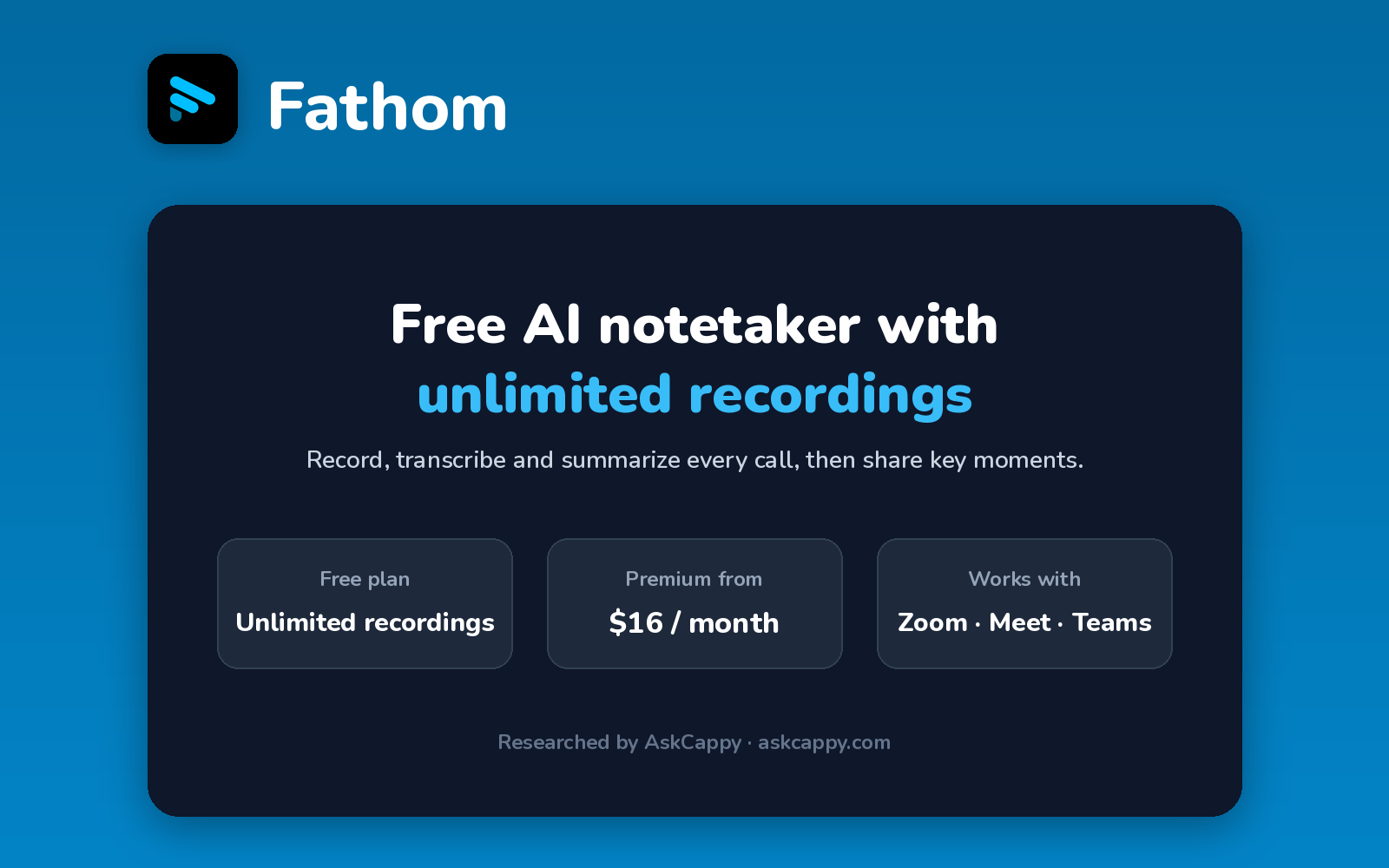
| Free plan | Yes, unlimited recordings and transcription, with advanced AI summaries on 5 calls a month |
| Works with | Zoom, Google Meet and Microsoft Teams, plus HubSpot and Salesforce on higher plans |
| Best for | Individuals who want a free notetaker, and sales teams who want CRM sync |
| Cappy Score | 4.4/5 |
What is Fathom?
Fathom is an AI notetaker that records, transcribes and summarizes your Zoom, Google Meet and Microsoft Teams calls. After each meeting, you get a summary, the full transcript and the recording in one place.
Fathom is best known for its free plan: it records, transcribes and stores an unlimited number of meetings at no cost. The limit is on advanced AI features, which are capped at 5 calls a month on the free plan.
Paid plans unlock unlimited AI summaries for individuals (Premium), shared team features (Team) and CRM field sync with sales coaching (Business).
Key features
- Unlimited free recording: record, transcribe and store as many meetings as you like on the free plan.
- Instant AI summaries: get meeting notes right after each call.
- Ask Fathom: ask questions about your meetings on paid plans.
- Clips and search: clip key moments and search across your calls.
- Team workspace: shared search, playlists, comments, folders and keyword alerts on Team.
- CRM field sync: update HubSpot or Salesforce fields from your calls on Business.
- Sales coaching: Deal View and coaching metrics on Business.
Pricing plans
| Plan | Price per user | Good for |
|---|---|---|
| Free | $0 | Individuals who want unlimited recordings at no cost |
| Premium | $16/month billed annually, or $20 billed monthly | One person who wants unlimited advanced AI summaries |
| Team | $15/month billed annually, or $19 billed monthly (2-user minimum) | Teams that want shared search and collaboration |
| Business | $25/month billed annually, or $34 billed monthly (2-user minimum) | Sales teams that need CRM field sync and coaching |
| Enterprise | Custom | Companies that need SSO, SCIM, custom data retention or a HIPAA BAA |
Which plan should you pick? Start on Free. Upgrade to Premium if you need advanced summaries on more than 5 calls a month. For two or more people, Team costs less per user than Premium, and Business is for sales teams that want notes pushed into their CRM.
Fathom free plan: what you get
| Feature | Free plan |
|---|---|
| Recordings | Unlimited |
| Transcription | Unlimited |
| Storage | Unlimited |
| Instant summaries | Included |
| Advanced AI summaries | 5 calls a month |
| Meeting platforms | Zoom, Google Meet, Microsoft Teams |
The catch: recording is unlimited, but the more detailed AI features are limited to 5 calls a month. The free plan is also for individuals, since Team and Business have no free seats.
Who is Fathom for?
- Freelancers and consultants: keep a full archive of client calls without paying.
- Sales teams: sync call notes into HubSpot or Salesforce on Business.
- Customer success teams: search past calls and share key moments.
- Managers: review team calls with coaching metrics on Business.
Consider something else if you need advanced AI notes on every call without paying, or a fully bot-free setup.
Pros and cons
Pros
- Unlimited recordings, transcription and storage on the free plan
- Team plan costs less per user than Premium
- Strong CRM sync and coaching for sales teams on Business
- Works across Zoom, Google Meet and Microsoft Teams
Cons
- Advanced AI summaries capped at 5 calls a month on the free plan
- Team and Business require at least 2 users
- CRM field sync and coaching only on Business
- SSO and HIPAA support require Enterprise
Fathom alternatives
| Tool | Why consider it |
|---|---|
| Fireflies.ai | AskFred and 50+ integrations, with unlimited transcription for auto-joined meetings on its free plan |
| Otter.ai | Live transcription you can follow during the meeting |
| Granola | Takes notes on your computer without a bot joining the call |
| tl;dv | Records and clips meetings, with sales coaching on its Business plan |
How to get started with Fathom
- Sign up free with your Google or Microsoft work account.
- Connect your calendar so Fathom can record your Zoom, Google Meet and Teams meetings.
- Choose which meetings to record automatically.
- Review your first summary, clip key moments and share them with your team.
Tip: tell guests at the start of the call that it’s being recorded. It builds trust, and recording laws in some places require everyone’s consent.
Frequently asked questions
Is Fathom really free?
Yes. Fathom’s free plan includes unlimited recordings, transcription and storage. Advanced AI summaries are limited to 5 calls a month.
How much does Fathom Premium cost?
Premium costs $16 per month billed annually, or $20 billed monthly, and removes the limit on advanced AI summaries.
What is the difference between Fathom Team and Business?
Team ($15 per user per month, annual) adds shared search and collaboration. Business ($25 per user per month, annual) adds CRM field sync, Deal View and coaching metrics. Both need at least 2 users.
Does Fathom work with Zoom, Google Meet and Microsoft Teams?
Yes. Fathom records and transcribes meetings on all three platforms.
Does Fathom integrate with HubSpot and Salesforce?
Yes. Fathom’s Business plan includes CRM field sync with HubSpot and Salesforce.