
Kling AI
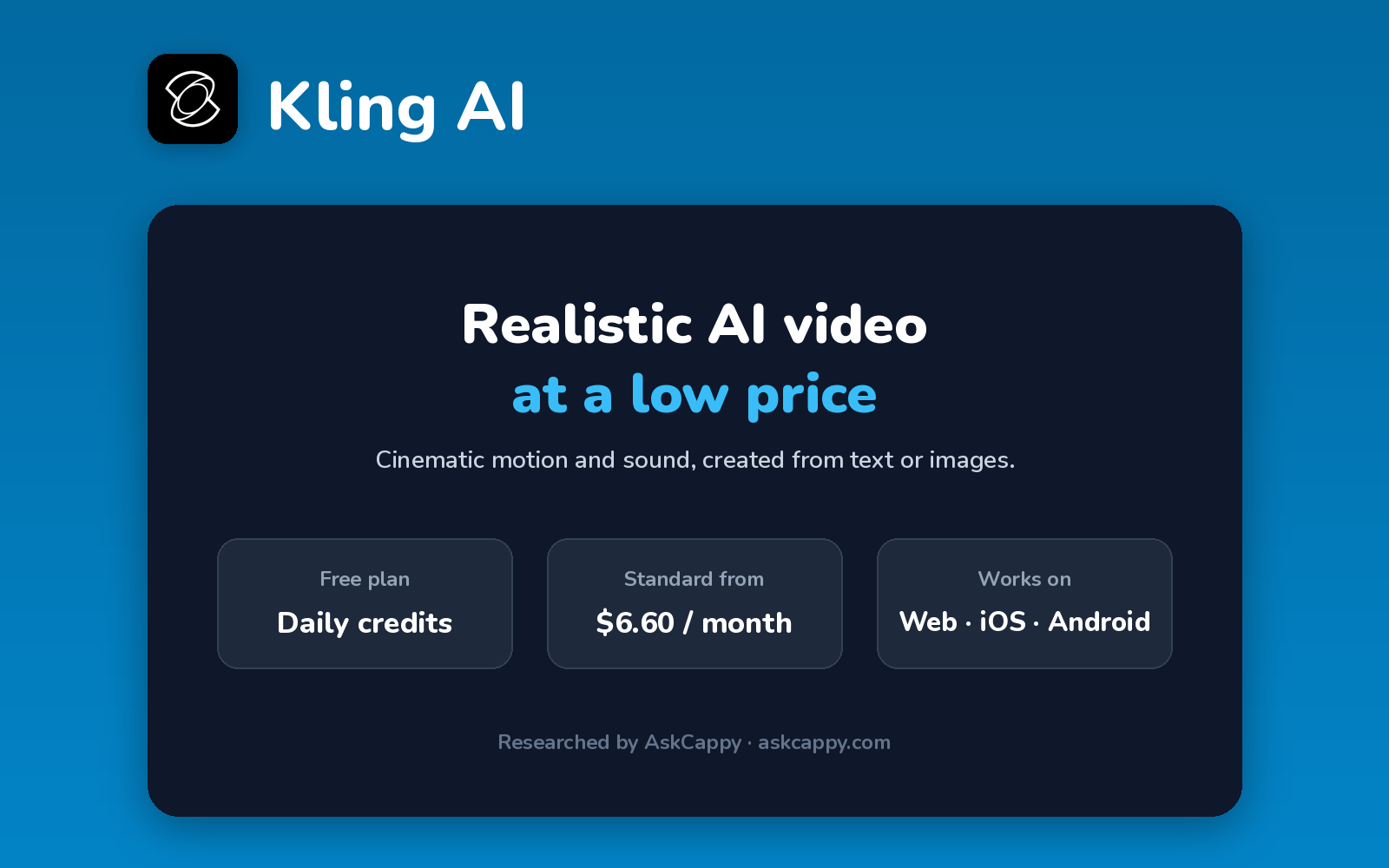
Cappy’s Quick Take
| At a glance | Details |
|---|---|
| What it is | An AI video generator known for realistic motion, with native audio on its newer models |
| Pricing | Freemium · Standard $6.60/month · Pro $24.42/month · Premier $60.72/month (annual billing) |
| Free plan | Yes, a small allowance of free credits, with watermarks |
| Works with | Web app and mobile apps, plus an API for developers |
| Best for | Creators who want realistic, cinematic clips at a low price |
| Cappy Score | 4.4/5 |
What is Kling AI?
Kling AI is an AI video generator from Kuaishou. It’s known for realistic human motion and cinematic camera moves, and its newer models can generate sound along with the video.
You can create clips from text or images. Kling ranks among the leading AI video generators in 2026 and is one of the cheapest ways into high-quality AI video.
It runs on credits. Free accounts get a small allowance, and paid plans give a monthly credit pool, watermark-free downloads and access to the newest models.
Key features
- Text and image to video: create clips from a prompt or a still image.
- Realistic motion: natural human movement and cinematic camera moves.
- Native audio: newer models can generate sound with the video.
- Higher resolutions: 1080p and above on paid plans.
- Watermark-free downloads: included on paid plans.
- API: separate prepaid packages for developers.
Pricing plans
| Plan | Price | Good for |
|---|---|---|
| Free | $0 | Testing prompts with a small free allowance |
| Standard | $6.60/month billed annually ($79.20/year), or $8.80 billed monthly | Occasional creators, with 660 credits a month |
| Pro | $24.42/month billed annually ($293.04/year), or $32.56 billed monthly | Regular creators, with 3,000 credits a month |
| Premier | $60.72/month billed annually ($728.64/year), or $80.96 billed monthly | Heavy users, with 8,000 credits a month |
| Ultra | $159.99/month (monthly only) | Professional volume, with 26,000 credits a month |
Which plan should you pick? Test on Free, then start with Standard on annual billing. Choose Pro if you post video several times a week, since credits per clip rise quickly at higher quality.
Kling AI free plan: what you get
| Feature | Details |
|---|---|
| Credits | A small free allowance (often reported as 66 a day) |
| Expiry | Free credits expire and don’t roll over |
| Watermark | Yes |
| Commercial use | Paid plans only |
The catch: Free clips are watermarked and not for commercial use, and the allowance covers only a few short test clips. New subscribers also see a discounted first month, so check the renewal price at checkout.
Who is Kling AI for?
- Content creators: make realistic clips for social media.
- Marketers: create product and ad videos.
- Filmmakers: test shots and visual ideas.
- Budget-conscious users: get high-quality video at a low price.
Consider something else if you need clear, stable pricing, or long videos without stitching clips together.
Pros and cons
Pros
- Realistic motion and strong video quality
- Low-cost Standard plan
- Native audio on newer models
- Big discount for annual billing
Cons
- Free clips are watermarked and non-commercial
- Discounted first month can make prices confusing
- Ultra has no annual option
- Higher-quality clips use credits fast
Kling AI alternatives
| Tool | Why consider it |
|---|---|
| Runway | More editing tools and creative control |
| Google Flow | Free daily credits and Google’s video models |
| Luma AI | Cinematic video plus creative agents |
| Pika | Fun effects and a free monthly allowance |
Compare them all side by side in our AI Video Generators list.
How to get started with Kling AI
- Sign up free at klingai.com or in the app.
- Choose text or image to video and pick a model.
- Write a prompt describing the scene and camera movement.
- Generate and download, or upgrade to remove watermarks.
Tip: Write your prompt like a shot description: subject, action, setting and camera movement. Clear prompts mean fewer retries and fewer credits.
Frequently asked questions
Is Kling AI free?
Yes. Kling gives free accounts a small allowance of credits, enough for a few short test clips. Free videos are watermarked and can’t be used commercially.
How much does Kling AI cost?
Standard costs $8.80, Pro $32.56 and Premier $80.96 a month on monthly billing. Billed annually, they cost $6.60, $24.42 and $60.72 a month.
Does Kling AI generate sound?
Yes. Kling’s newer models can generate audio along with the video.
Why is my first month of Kling cheaper?
Kling often discounts the first month for new subscribers. The plan then renews at the regular price, so check the renewal amount before paying.