
Google Flow
Cappy’s Quick Take
| At a glance | Details |
|---|---|
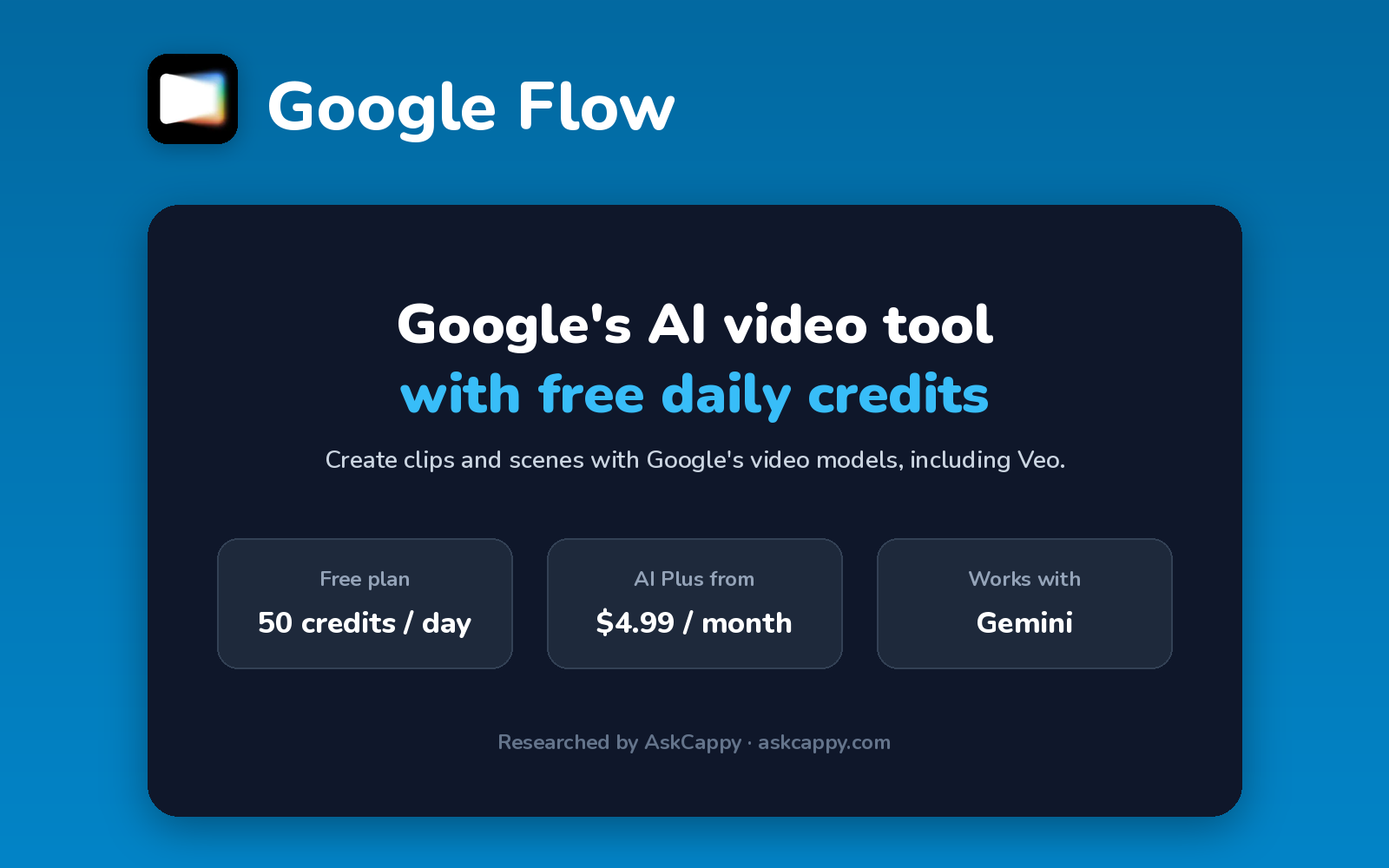
| What it is | Google’s AI video tool for creating clips and scenes with its Veo and Gemini video models |
| Pricing | Freemium · Google AI Plus $4.99/month · Pro $19.99/month · Ultra $99.99/month |
| Free plan | Yes, 50 credits a day |
| Works with | Included in Google AI plans, alongside the Gemini app |
| Best for | Anyone who wants Google’s video models with a free daily allowance |
| Cappy Score | 4.4/5 |
What is Google Flow?
Google Flow is Google’s AI tool for making videos. You can create clips from text or images and build them into scenes, using Google’s own video models, including Veo.
Flow isn’t sold on its own. Everyone gets free daily credits, and Google AI plans (the same plans as the Gemini app) add a monthly credit allowance on top.
Google updates its video models often. In November 2026 Flow moved its video generation to newer models, so the exact model list changes over time.
Key features
- Text and image to video: create short clips from a prompt or image.
- Scene building: combine and extend clips into longer scenes.
- Video with sound: generate clips with audio.
- Upscaling: upscale clips to higher resolutions (4K on Ultra).
- Daily free credits: 50 credits a day for every account.
- Google AI plans: the same subscription also covers Gemini and Google storage.
Pricing plans
| Plan | Price | Good for |
|---|---|---|
| Free | $0 | Trying Flow with 50 credits a day |
| Google AI Plus | $4.99/month | Light use, with 200 extra credits a month |
| Google AI Pro | $19.99/month | Regular creators, with 1,000 credits a month |
| Google AI Ultra | $99.99/month | Heavy use, with 10,000 credits and cheaper clips on some models |
| Google AI Ultra (top tier) | $199.99/month | Studios, with 25,000 credits a month |
Which plan should you pick? Start on the free daily credits. If you already pay for Gemini, your Google AI plan includes Flow credits too. Choose Pro for regular video work; Ultra only makes sense at high volume.
Google Flow free plan: what you get
| Feature | Details |
|---|---|
| Credits | 50 a day |
| Subscription needed | No |
| Premium models | Some need a paid Google AI plan |
| Extra credit purchases | Google AI Pro and Ultra only |
The catch: The daily credits don’t build up, and some higher-quality models and longer clips need a paid Google AI plan.
Who is Google Flow for?
- Creators: make short videos without a subscription.
- Marketers: create quick video ads and social clips.
- Filmmakers: explore shots and scenes.
- Gemini subscribers: use video credits already included in their plan.
Consider something else if you need detailed editing tools, or video models from other companies in one place.
Pros and cons
Pros
- Free daily credits with no subscription
- Google’s latest video models
- Included with Google AI plans you may already have
- Clips with sound
Cons
- Model lineup changes often
- Some features need paid plans
- Extra credits only on Pro and Ultra
- Fewer editing tools than Runway
Google Flow alternatives
| Tool | Why consider it |
|---|---|
| Runway | More editing tools and creative control |
| Kling AI | Realistic motion and low entry prices |
| Luma AI | Cinematic video plus creative agents |
| Pika | Fun effects and a free monthly allowance |
Compare them all side by side in our AI Video Generators list.
How to get started with Google Flow
- Open Google Flow and sign in with your Google account.
- Start a project and write a prompt, or add an image.
- Generate clips and build them into a scene.
- Download your video, or upgrade your Google AI plan for more credits.
Tip: Check your plan first: if you already pay for Google AI Pro for Gemini, you already have 1,000 Flow credits a month.
Frequently asked questions
Is Google Flow free?
Yes. Every account gets 50 Flow credits a day, with no subscription needed.
How much does Google Flow cost?
Flow comes with Google AI plans: Plus at $4.99, Pro at $19.99 and Ultra at $99.99 or $199.99 a month, each adding monthly credits.
Is Google Flow the same as Veo?
Veo is one of Google’s video models. Flow is the app where you use Google’s video models to create clips and scenes.
Can I buy extra Flow credits?
Yes, on Google AI Pro and Ultra. Google AI Plus can’t buy extra credits.