
Descript
Cappy’s Quick Take
| At a glance | Details |
|---|---|
| What it is | An AI video and podcast editor where you edit by editing the transcript |
| Pricing | Freemium · Hobbyist $16 · Creator $24 · Business $50 per person/month (annual billing) |
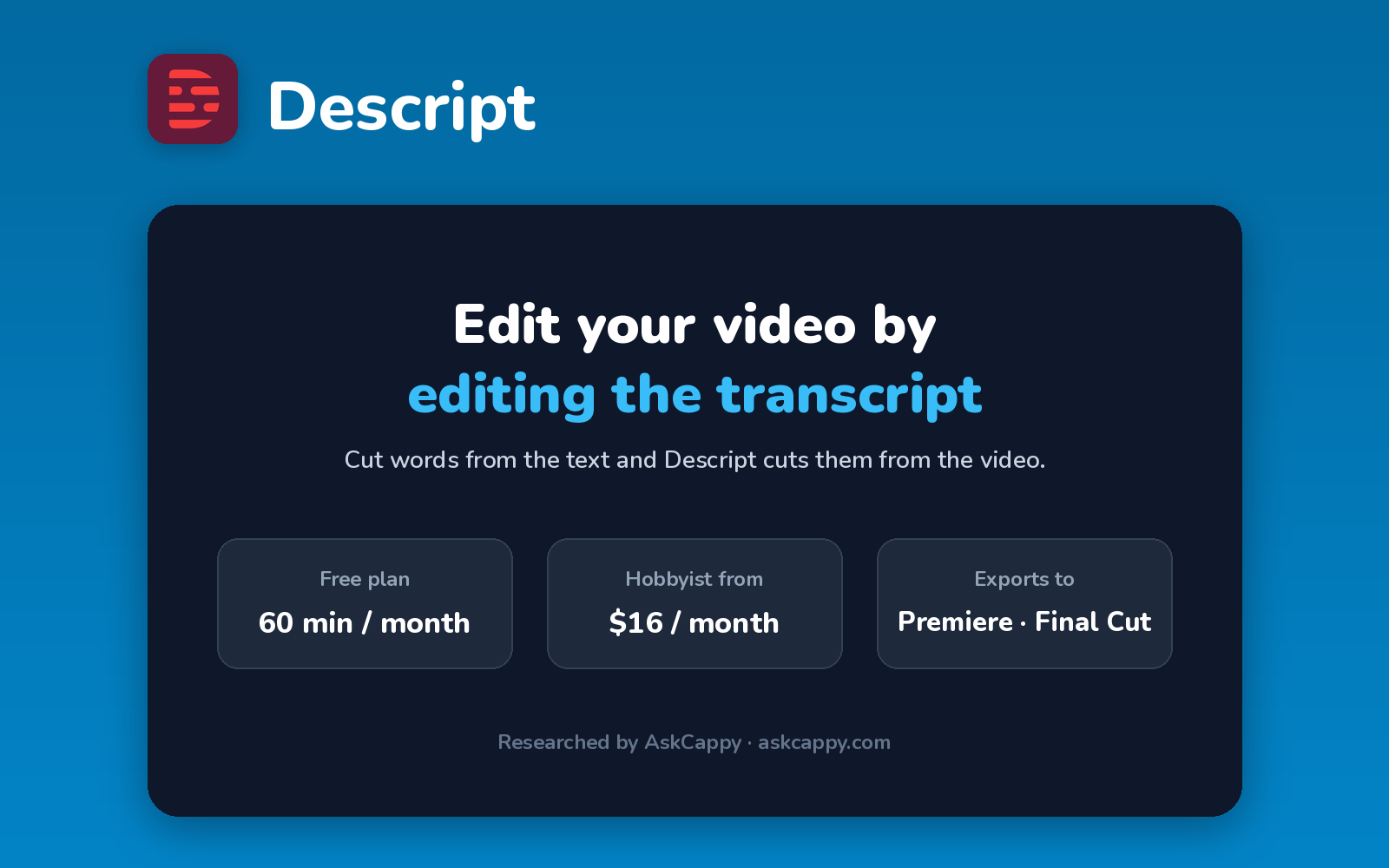
| Free plan | Yes, 60 media minutes a month and 100 one-time AI credits, with watermarked 720p exports |
| Works with | Exports timelines to Premiere Pro, Final Cut Pro and DaVinci Resolve, plus direct publishing |
| Best for | Podcasters and creators who edit talking-head video and interviews |
| Cappy Score | 4.5/5 |
What is Descript?
Descript is an AI video and podcast editor built around the transcript. It transcribes your recording, and when you delete a word or sentence from the text, Descript cuts it from the video too, so editing feels like editing a document.
On top of that sit AI tools: an assistant called Underlord that can do rough cuts and clips for you, Studio Sound to clean up audio, filler-word removal, eye contact correction and AI voices.
Plans are priced per person and set two monthly allowances: media hours (how much footage you can transcribe and edit) and AI credits (used by Underlord, AI voices and similar features).
Key features
- Text-based editing: cut, rearrange and trim video by editing its transcript.
- Underlord AI assistant: ask for rough cuts, clips, titles and show notes in plain language.
- Studio Sound: remove background noise and echo from voice recordings in one click.
- Filler-word removal: delete every um, uh and repeated word at once.
- AI voices and Overdub: fix a misspoken word or add narration with AI voices.
- Recording and screen capture: record yourself, your screen or remote guests inside Descript.
Pricing plans
| Plan | Price | Good for |
|---|---|---|
| Free | $0 | Trying Descript with 60 media minutes a month |
| Hobbyist | $16/person/month billed annually, or $24 billed monthly | Solo creators who need 10 media hours and 400 AI credits a month, with 1080p exports and no watermark |
| Creator | $24/person/month billed annually, or $35 billed monthly | Regular creators who need 30 media hours, 800 AI credits, 4K exports and top-ups, for teams of up to 3 |
| Business | $50/person/month billed annually, or $65 billed monthly | Production teams of up to 5 that need 40 media hours and 1,500 AI credits a month |
| Enterprise | Custom | Larger organizations with security and admin needs |
Which plan should you pick? Start on Free to see if transcript editing suits you. Hobbyist is enough for one podcast or a few videos a month. Choose Creator if you use AI features heavily or need 4K, since it’s the cheapest plan that can buy top-ups.
Descript free plan: what you get
| Feature | Details |
|---|---|
| Media minutes | 60 a month (don’t roll over) |
| AI credits | 100, one time |
| Export quality | 720p |
| Watermark | Yes |
The catch: The free plan is for testing: exports are 720p with a watermark, and the 100 AI credits don’t refill. Paid allowances don’t roll over either, and only Creator and Business can buy extra hours or credits.
Who is Descript for?
- Podcasters: edit audio and video episodes from the transcript.
- YouTubers and course creators: cut talking-head videos and tutorials quickly.
- Marketing teams: turn webinars and interviews into short clips.
- Anyone who hates timelines: edit video the way you edit a document.
Consider something else if your videos are mostly music, b-roll or effects with little speech, or you need a free plan without a watermark.
Pros and cons
Pros
- Transcript editing makes cutting speech very fast
- Studio Sound and filler-word removal save real time
- Exports timelines to Premiere Pro, Final Cut Pro and DaVinci Resolve
- Recording, editing and publishing in one app
Cons
- Free exports are 720p and watermarked
- Media hours and AI credits don’t roll over
- Top-ups only on Creator and Business
- Less suited to effects-heavy or music-driven edits
Descript alternatives
| Tool | Why consider it |
|---|---|
| CapCut | Template-driven social editing with a strong free plan |
| Clipchamp | Microsoft’s free editor with watermark-free 1080p exports |
| Kapwing | Collaborative browser editor with AI subtitles and dubbing |
| OpusClip | Turns long videos into short, captioned clips automatically |
Compare them all side by side in our AI Video Editors list.
How to get started with Descript
- Sign up free and download the app, or open it in your browser.
- Import a recording, or record directly in Descript, and wait for the transcript.
- Edit the text: delete words, remove filler words and apply Studio Sound.
- Export or publish the video, or send the timeline to your video editor.
Tip: Run filler-word removal and Studio Sound first, then do your content cuts. It gives you a cleaner transcript to edit from.
Frequently asked questions
Is Descript free?
Yes. Descript’s free plan includes 60 media minutes a month and 100 one-time AI credits. Exports are 720p and carry a watermark.
How much does Descript cost?
Hobbyist costs $16, Creator $24 and Business $50 per person per month on annual billing. Billed monthly, they cost $24, $35 and $65.
What are media hours in Descript?
Media hours are how much audio or video you can upload, record and transcribe each month: 10 on Hobbyist, 30 on Creator and 40 on Business. Unused hours don’t roll over.
Can I export Descript projects to Premiere Pro?
Yes. Descript can export a timeline to Premiere Pro, Final Cut Pro and DaVinci Resolve, so you can finish the edit there.