
Clipchamp
Cappy’s Quick Take
| At a glance | Details |
|---|---|
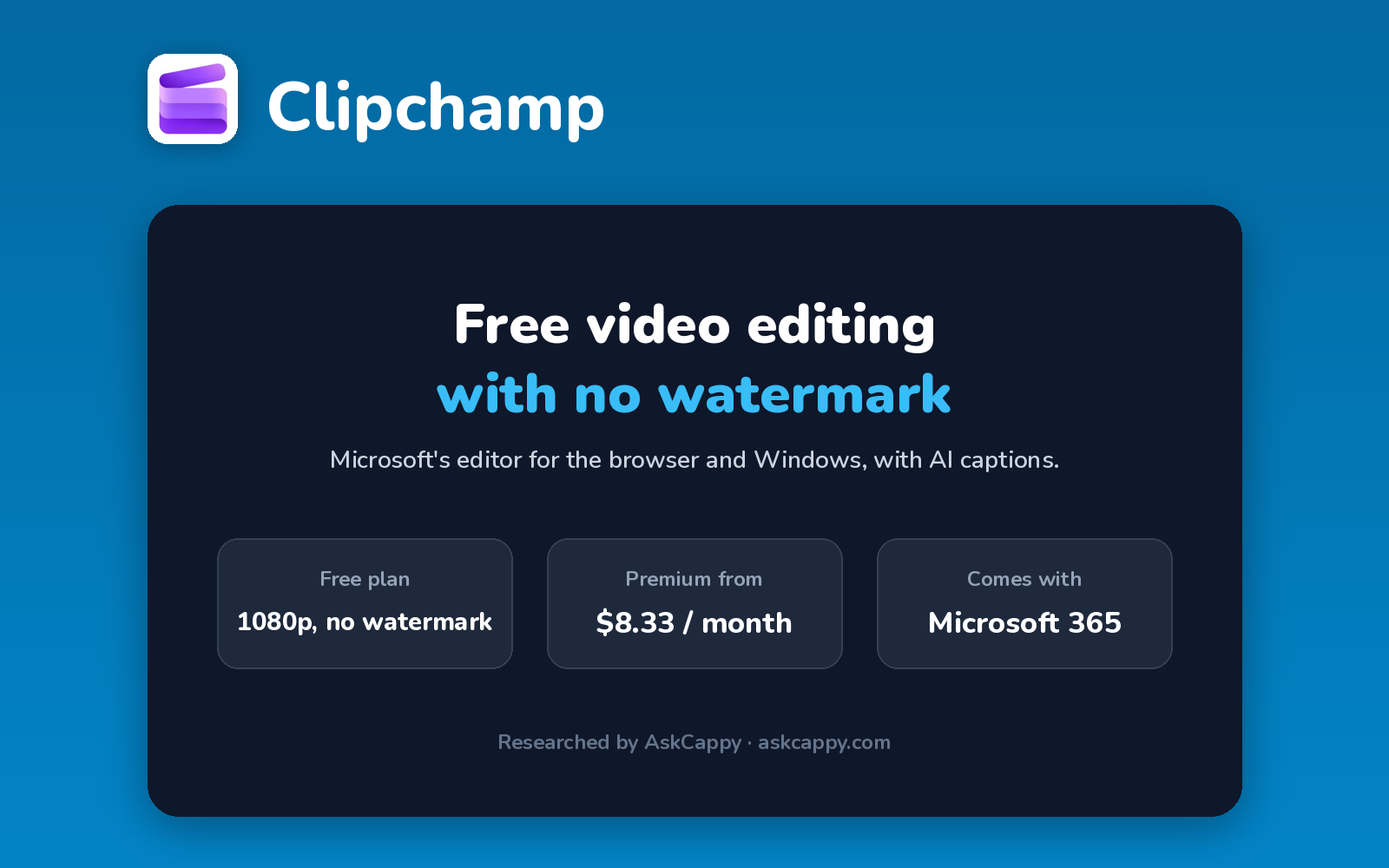
| What it is | Microsoft’s free video editor for the browser and Windows, with AI captions and voiceovers |
| Pricing | Freemium · Premium included with Microsoft 365 Personal ($99.99/year or $9.99/month) or Family ($12.99/month) |
| Free plan | Yes, unlimited watermark-free exports up to 1080p, with AI subtitles and voiceovers |
| Works with | Built into Windows 11, included with Microsoft 365, and exports for YouTube and TikTok |
| Best for | Beginners and small businesses who want a simple free editor with no watermark |
| Cappy Score | 4.2/5 |
What is Clipchamp?
Clipchamp is Microsoft’s video editor. It runs in the browser and as an app on Windows, where it comes built into Windows 11, so many people already have it.
It’s a simple timeline editor with templates, stock media and AI tools such as auto subtitles, text-to-speech voiceovers, silence removal and noise suppression. The free plan exports up to 1080p with no watermark, which few rivals offer.
Premium adds 4K exports, the full premium stock library, a brand kit and content backup. Clipchamp’s pricing page doesn’t sell Premium on its own any more: it comes with a Microsoft 365 Personal or Family subscription, and a work version is included in some Microsoft 365 business plans.
Key features
- Timeline editor: trim, crop, split and arrange clips in a beginner-friendly editor.
- AI subtitles: generate captions automatically and edit them.
- Text-to-speech voiceovers: add AI narration in many languages and voices.
- Silence removal: cut pauses and dead air automatically.
- Screen, camera and voice recorder: record tutorials and presentations inside Clipchamp.
- Templates and stock media: start from templates and royalty-free video, audio and images.
Pricing plans
| Plan | Price | Good for |
|---|---|---|
| Free | $0 | Unlimited 1080p exports with no watermark |
| Premium with Microsoft 365 Personal | $99.99/year (about $8.33/month), or $9.99 billed monthly | One person who wants 4K exports, premium stock, a brand kit and backup, plus Word, Excel and 1 TB of OneDrive |
| Premium with Microsoft 365 Family | $12.99/month | Up to 6 people sharing Microsoft 365 and Clipchamp Premium |
| Clipchamp for work | Included in some Microsoft 365 business plans | Companies already on Microsoft 365 for work |
Which plan should you pick? Most people can stay on Free, since exports are already watermark-free at 1080p. Upgrade through Microsoft 365 Personal only if you need 4K, premium stock or a brand kit, and especially if you’d use Word, Excel and OneDrive too.
Clipchamp free plan: what you get
| Feature | Details |
|---|---|
| Exports | Unlimited, up to 1080p |
| Watermark | None |
| AI tools | Subtitles, voiceovers and silence removal |
| Premium stock and 4K | Premium only |
The catch: Projects that use premium stock or effects can’t be exported on the free plan, and 4K needs Premium. Clipchamp’s iOS app was discontinued in 2026, so it’s now a browser and Windows editor only.
Who is Clipchamp for?
- Beginners: learn to edit in a simple, free tool.
- Small businesses: make promo and social videos without a watermark.
- Teachers and students: create class videos and screen recordings.
- Microsoft 365 users: get Premium with a subscription they may already pay for.
Consider something else if you need a phone app, advanced effects, or automatic clipping of long videos.
Pros and cons
Pros
- Watermark-free 1080p exports on the free plan
- Built into Windows 11, nothing extra to install
- AI subtitles, voiceovers and silence removal for free
- Premium comes with Microsoft 365
Cons
- 4K and premium stock need Premium
- No standalone Premium price on its pricing page
- iOS app discontinued in 2026
- Fewer advanced tools than pro editors
Clipchamp alternatives
| Tool | Why consider it |
|---|---|
| Descript | Edit talking-head video and podcasts by editing the transcript |
| CapCut | Template-driven social editing on phone, desktop and web |
| Kapwing | Collaborative browser editor with AI subtitles and dubbing |
| OpusClip | Turns long videos into short, captioned clips automatically |
Compare them all side by side in our AI Video Editors list.
How to get started with Clipchamp
- Open Clipchamp from the Windows Start menu, or go to clipchamp.com and sign in with a Microsoft account.
- Create a new video and import your clips, or start from a template.
- Add AI subtitles or a voiceover and trim with silence removal.
- Export at up to 1080p for free, or 4K with Premium.
Tip: Premium items in the stock library are marked. Leave them out if you’re on the free plan, or you won’t be able to export.
Frequently asked questions
Is Clipchamp free?
Yes. Clipchamp’s free plan includes unlimited exports up to 1080p with no watermark, plus AI subtitles, text-to-speech and silence removal.
How much does Clipchamp Premium cost?
Premium comes with Microsoft 365 Personal ($99.99 a year or $9.99 a month) or Family ($12.99 a month). Clipchamp’s pricing page doesn’t list a standalone Premium price.
Does Clipchamp add a watermark?
No. Free exports up to 1080p have no watermark. Projects that use premium stock need Premium to export.
Does Clipchamp have a phone app?
Not any more. Microsoft discontinued the iOS app in 2026; Clipchamp now runs in the browser and on Windows.