
Speechify Studio
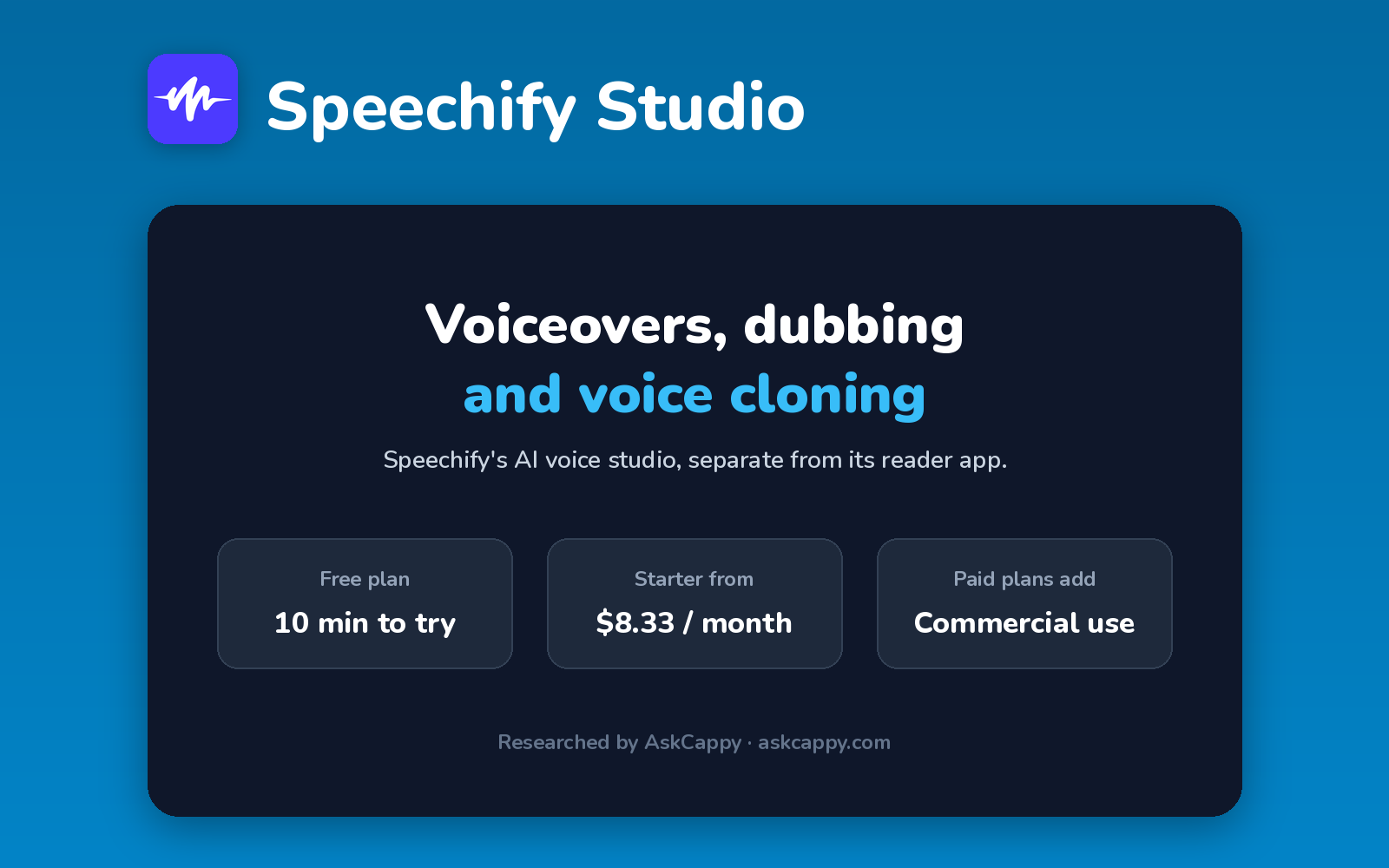
Cappy’s Quick Take
| At a glance | Details |
|---|---|
| What it is | Speechify’s AI voiceover and dubbing studio, separate from its text-to-speech reader app |
| Pricing | Freemium · Studio Starter $8.33/month · Studio Creator $25/month (annual billing) |
| Free plan | Yes, 600 credits (about 10 minutes of voiceover), non-commercial |
| Works with | Web app, plus the Speechify API |
| Best for | Creators who want voiceovers, dubbing and voice cloning at a low annual price |
| Cappy Score | 4.0/5 |
What is Speechify Studio?
Speechify Studio is Speechify’s tool for creating voiceovers. It’s separate from the well-known Speechify reader app, which reads articles and documents aloud for you.
In Studio, you can create voiceovers with a large voice library, clone your voice, dub videos into other languages and change your voice on recordings. Paid plans include stock music, images and video.
It runs on credits: 1 credit equals 1 second of voiceover, while dubbing uses 3 credits a second. Annual billing makes it one of the cheapest commercial voice tools.
Key features
- Voiceover Studio: create voiceovers with a large library of realistic voices.
- Voice cloning: clone your own voice on paid plans.
- Dubbing Studio: translate and re-voice videos.
- Voice changer: change the voice on your own recordings.
- Stock media: music, images, video and sound effects on paid plans.
- Commercial rights: included on paid plans.
Pricing plans
| Plan | Price | Good for |
|---|---|---|
| Free | $0 | Testing, with 600 credits |
| Studio Starter | $100/year (about $8.33/month), or $19 billed monthly | Creators, with 7,200 credits a month (about 2 hours of voiceover) |
| Studio Creator | $300/year (about $25/month), or $49 billed monthly | Heavy users, with 28,800 credits a month (about 8 hours) |
| Enterprise | Custom | Organizations with volume needs |
Which plan should you pick? Test on Free, then choose Studio Starter on annual billing: it’s far cheaper than paying monthly. Choose Studio Creator if you dub videos often, since dubbing uses credits three times as fast.
Speechify Studio free plan: what you get
| Feature | Details |
|---|---|
| Credits | 600 (about 10 minutes of voiceover) |
| Voice cloning | Paid plans only |
| Commercial use | Paid plans only |
| Studio tools | Voiceover, dubbing and voice changer |
The catch: The free credits only cover about 10 minutes of voiceover, and you can’t use free audio commercially. Also, the Speechify reader subscription doesn’t include Studio.
Who is Speechify Studio for?
- Content creators: voice YouTube and social videos.
- Marketers: create ads and explainers in several languages.
- Educators: narrate lessons and courses.
- Small businesses: get commercial voiceovers on a budget.
Consider something else if you only want to listen to articles and documents, which is Speechify’s reader app, not Studio.
Pros and cons
Pros
- Very low annual price for commercial use
- Voice cloning on every paid plan
- Voiceover, dubbing and voice changer in one place
- Stock media included
Cons
- Free plan is non-commercial
- Monthly billing costs far more
- Dubbing uses credits three times as fast
- Easy to confuse with the Speechify reader app
Speechify Studio alternatives
| Tool | Why consider it |
|---|---|
| ElevenLabs | The most natural voices, from $5 a month |
| Murf AI | Voiceovers built around slides, videos and Canva |
| WellSaid | Consistent business voices for training content |
| LOVO | Voiceovers with a built-in video editor |
How to get started with Speechify Studio
- Sign up free for Speechify Studio.
- Open Voiceover Studio and paste your script.
- Pick a voice, or clone your own on a paid plan.
- Generate and download your voiceover.
Tip: Make sure you’re buying a Studio plan, not Speechify Premium. Premium is for listening to text, and doesn’t include voiceover tools.
Frequently asked questions
Is Speechify Studio free?
Yes. The free plan includes 600 credits, about 10 minutes of voiceover, without voice cloning or commercial rights.
How much does Speechify Studio cost?
Studio Starter costs $19 a month or $100 a year. Studio Creator costs $49 a month or $300 a year.
Is Speechify Studio the same as Speechify Premium?
No. Premium is the reader app that reads text aloud to you. Studio is the separate tool for creating voiceovers, dubbing and voice clones.
How do Speechify Studio credits work?
1 credit equals 1 second of voiceover. Dubbing uses 3 credits per second.