
Murf AI
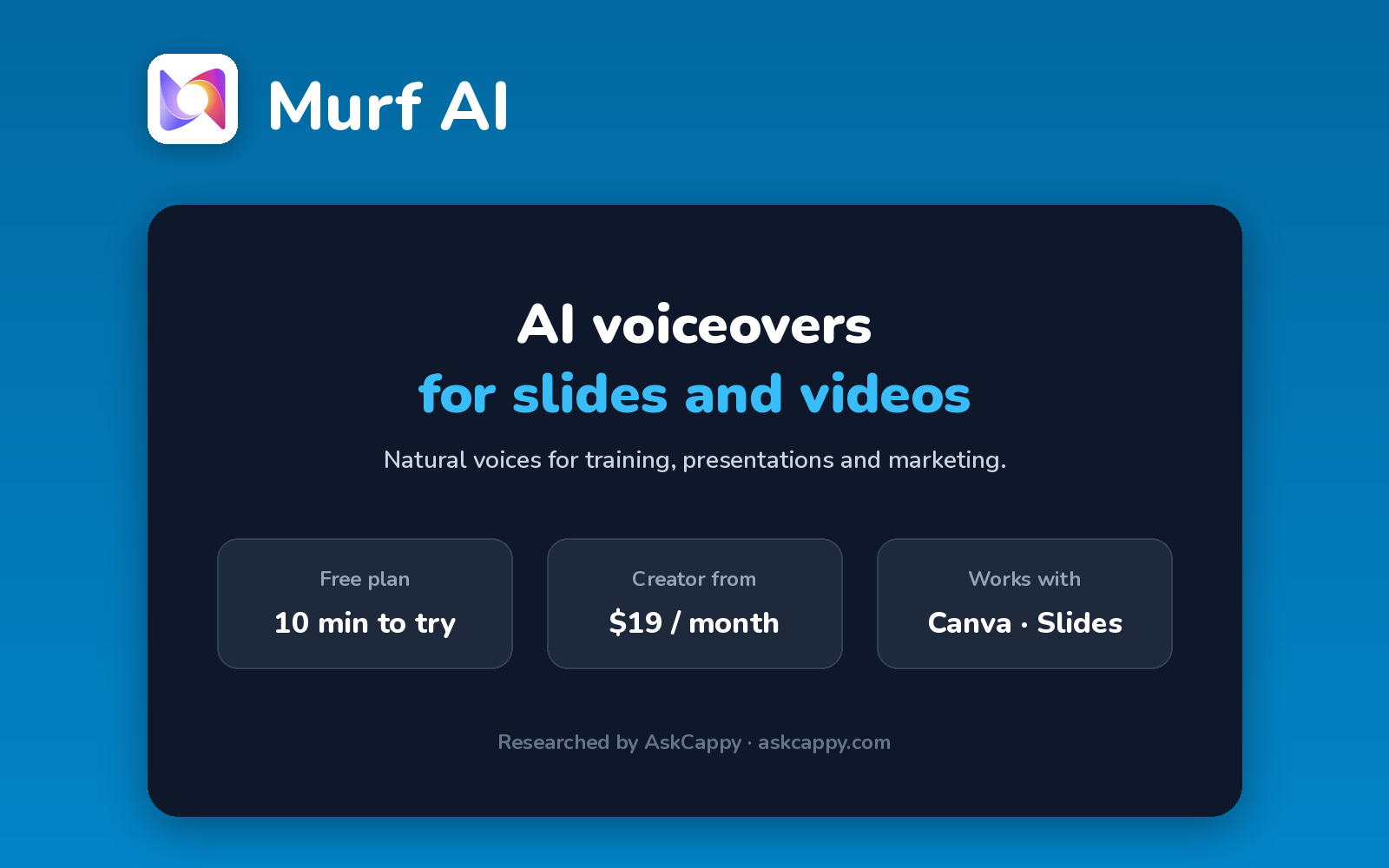
Cappy’s Quick Take
| At a glance | Details |
|---|---|
| What it is | An AI voiceover studio for presentations, training videos and marketing content |
| Pricing | Freemium · Creator $19/month · Business $66/month (annual billing) · Enterprise custom |
| Free plan | Yes, 10 minutes of voice generation in total, with no downloads |
| Works with | Canva on Creator, plus Google Slides on Business |
| Best for | Teams creating voiceovers for training, presentations and marketing |
| Cappy Score | 4.3/5 |
What is Murf AI?
Murf AI is an AI voiceover studio. You add a script, choose from 200+ voices, and line the voiceover up with slides, images or video, which makes it popular for presentations, e-learning and marketing videos.
It includes controls for pitch, speed and emphasis, so you can fine-tune how each sentence sounds. Paid plans include commercial rights.
Murf meters usage in hours of voice generation per year. The free plan is a short demo, and voice cloning is only on the Enterprise plan.
Key features
- 200+ voices: natural voices in many languages and accents.
- Voiceover studio: sync voiceovers with slides, images and video.
- Voice controls: adjust pitch, speed, pauses and emphasis.
- Canva integration: add Murf voiceovers to Canva designs (Creator).
- Google Slides integration: voice your presentations (Business).
- Voice changer: re-voice your own recordings (Business).
Pricing plans
| Plan | Price | Good for |
|---|---|---|
| Free | $0 | Testing, with 10 minutes of generation and no downloads |
| Creator | $19/month billed annually ($228/year), or $29 billed monthly | Solo creators, with 24 hours of voice generation a year |
| Business | $66/month billed annually ($792/year), or $99 billed monthly | Teams, with 96 hours a year on annual billing |
| Enterprise | Custom | Organizations that need voice cloning and dedicated support |
Which plan should you pick? Use Free only to hear the voices. Creator on annual billing is right for most solo creators. Choose Business if you voice Google Slides presentations or need more hours.
Murf AI free plan: what you get
| Feature | Details |
|---|---|
| Voice generation | 10 minutes in total |
| Downloads | Not included |
| Commercial use | Not included |
| Voices | Full library to preview |
The catch: You can’t download anything on the free plan, so it’s only a demo. And the 10 minutes are in total, not per month.
Who is Murf AI for?
- Marketers: voice product videos and ads.
- Educators and trainers: narrate e-learning courses.
- Presenters: add voiceovers to slide decks.
- Small teams: produce consistent voiceovers without a voice actor.
Consider something else if you need voice cloning on a small budget, or lots of audio on a free plan.
Pros and cons
Pros
- Easy voiceover studio for slides and videos
- 200+ voices with fine controls
- Canva and Google Slides integrations
- Big discount for annual billing
Cons
- Free plan has no downloads
- Voice cloning only on Enterprise
- Usage capped in hours per year
- Monthly billing costs about 50% more
Murf AI alternatives
| Tool | Why consider it |
|---|---|
| ElevenLabs | More natural voices and voice cloning from $5 a month |
| Speechify Studio | Voiceovers, dubbing and cloning from a low annual price |
| WellSaid | Consistent business voices for training content |
| LOVO | Voiceovers with a built-in video editor |
How to get started with Murf AI
- Sign up free at murf.ai.
- Create a project and paste your script.
- Pick a voice and adjust pitch, speed and emphasis.
- Upgrade to download your voiceover for use in your content.
Tip: Write your script in short sentences. They’re easier to fine-tune, and pauses land more naturally.
Frequently asked questions
Is Murf AI free?
Murf has a free plan with 10 minutes of voice generation in total, but you can’t download audio or use it commercially.
How much does Murf AI cost?
Creator costs $29 a month, or $19 a month billed annually. Business costs $99 a month, or $66 a month billed annually.
Does Murf AI have voice cloning?
Voice cloning is available on the Enterprise plan.
Does Murf work with Canva?
Yes. The Creator plan includes a Canva integration, and Business adds Google Slides.