
OpenAI Codex
Cappy’s Quick Take
| At a glance | Details |
|---|---|
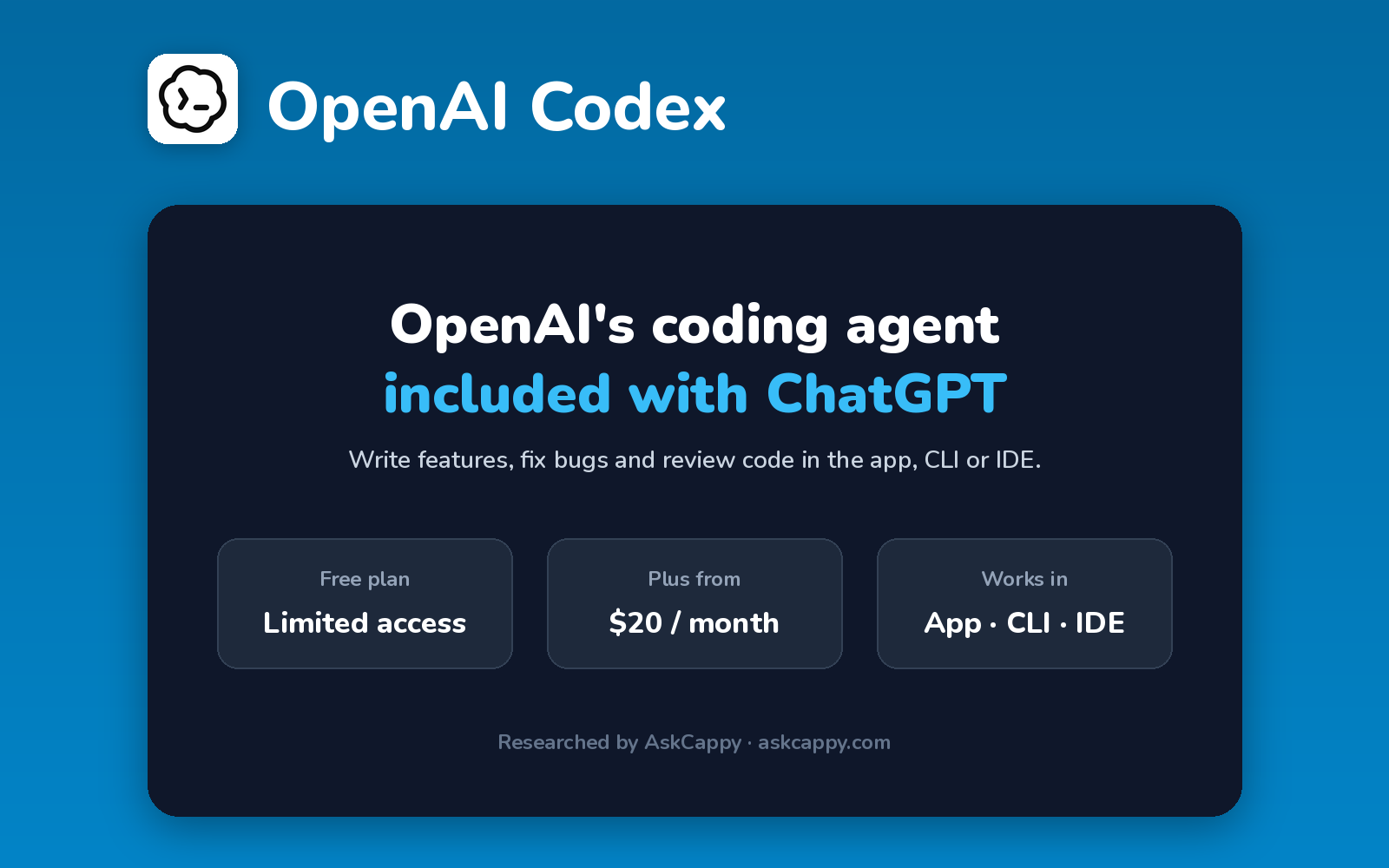
| What it is | OpenAI’s coding agent, included with ChatGPT plans and available in the app, CLI, IDE and cloud |
| Pricing | Freemium · Go $8/month · Plus $20/month · Pro $100, $200 or $500/month |
| Free plan | Yes, limited Codex access on ChatGPT Free |
| Works with | GitHub, VS Code and tools like Slack and Figma |
| Best for | ChatGPT users who want a coding agent without another subscription |
| Cappy Score | 4.4/5 |
What is OpenAI Codex?
OpenAI Codex is OpenAI’s coding agent. It can write features, fix bugs, answer questions about your code and propose pull requests, working in the cloud or on your own machine.
You can use it in the Codex app for Mac and Windows, in the command line, in your IDE, on the web and on iOS. Plugins connect it to tools like GitHub, Slack and Figma.
Codex isn’t sold separately: it’s included with ChatGPT plans. Usage is shared with other ChatGPT agent features, and you can buy credits when you hit your limit.
Key features
- Coding agent: writes features, fixes bugs and proposes pull requests.
- Cloud tasks: run tasks in the background.
- CLI and IDE: work locally in your terminal or editor.
- Codex app: desktop app for Mac and Windows.
- Code review: automatic reviews on pull requests.
- Plugins: connect GitHub, Slack, Figma and more.
Pricing plans
| Plan | Price | Good for |
|---|---|---|
| Free | $0 | Trying Codex on small tasks |
| Go | $8/month | Light use |
| Plus | $20/month | A few focused coding sessions each week |
| Pro | $100, $200 or $500/month | Long, intensive daily sessions |
| Business | $20/user/month billed annually ($25 monthly) | Teams with admin controls |
Which plan should you pick? Start with the ChatGPT plan you already have. Plus is where real coding work begins. Choose a Pro tier only if you code with Codex for hours every day.
OpenAI Codex free access: what you get
| Feature | Details |
|---|---|
| Free plan | Limited Codex access |
| Cheapest paid plan | Go, $8 a month |
| Usage | Shared with other ChatGPT agent features |
| Extra usage | Buy ChatGPT credits |
The catch: Codex usage is shared with other ChatGPT agent features, so heavy use elsewhere reduces what’s left for coding. Plans are billed monthly, with no annual discount.
Who is OpenAI Codex for?
- ChatGPT users: get a coding agent with their existing plan.
- Developers: hand off tasks to cloud agents.
- Startups: ship features and fixes quickly.
- Teams: review pull requests automatically.
Consider something else if you want an AI-first editor, or a coding tool billed separately from ChatGPT.
Pros and cons
Pros
- Included with ChatGPT plans
- Works in app, CLI, IDE, web and iOS
- Cloud tasks run in the background
- Plugins for GitHub, Slack and more
Cons
- Usage shared with other ChatGPT features
- Monthly billing only
- Heavy use needs expensive Pro tiers
- Limits can be hard to predict
OpenAI Codex alternatives
| Tool | Why consider it |
|---|---|
| Claude Code | Agentic coding from Anthropic |
| Cursor | AI-first code editor |
| GitHub Copilot | Works in your editor from $10 a month |
| Windsurf (Devin Desktop) | AI editor with a free plan |
How to get started with OpenAI Codex
- Sign in to ChatGPT and open Codex.
- Connect GitHub or open a local project in the app or CLI.
- Describe a task such as a bug fix or feature.
- Review the changes and merge them.
Tip: Run long tasks in the cloud so you can keep working while Codex finishes them in the background.
Frequently asked questions
Is OpenAI Codex free?
ChatGPT Free includes limited Codex access. Paid ChatGPT plans include more.
How much does OpenAI Codex cost?
Codex comes with ChatGPT plans: Go at $8, Plus at $20, and Pro at $100, $200 or $500 a month. Business seats are $20 per user billed annually.
Is Codex included in ChatGPT Plus?
Yes. ChatGPT Plus includes Codex usage, and you can buy credits if you need more.
Where can I use Codex?
In the Codex app for Mac and Windows, the CLI, IDE extensions, the web and iOS.