
GitHub Copilot
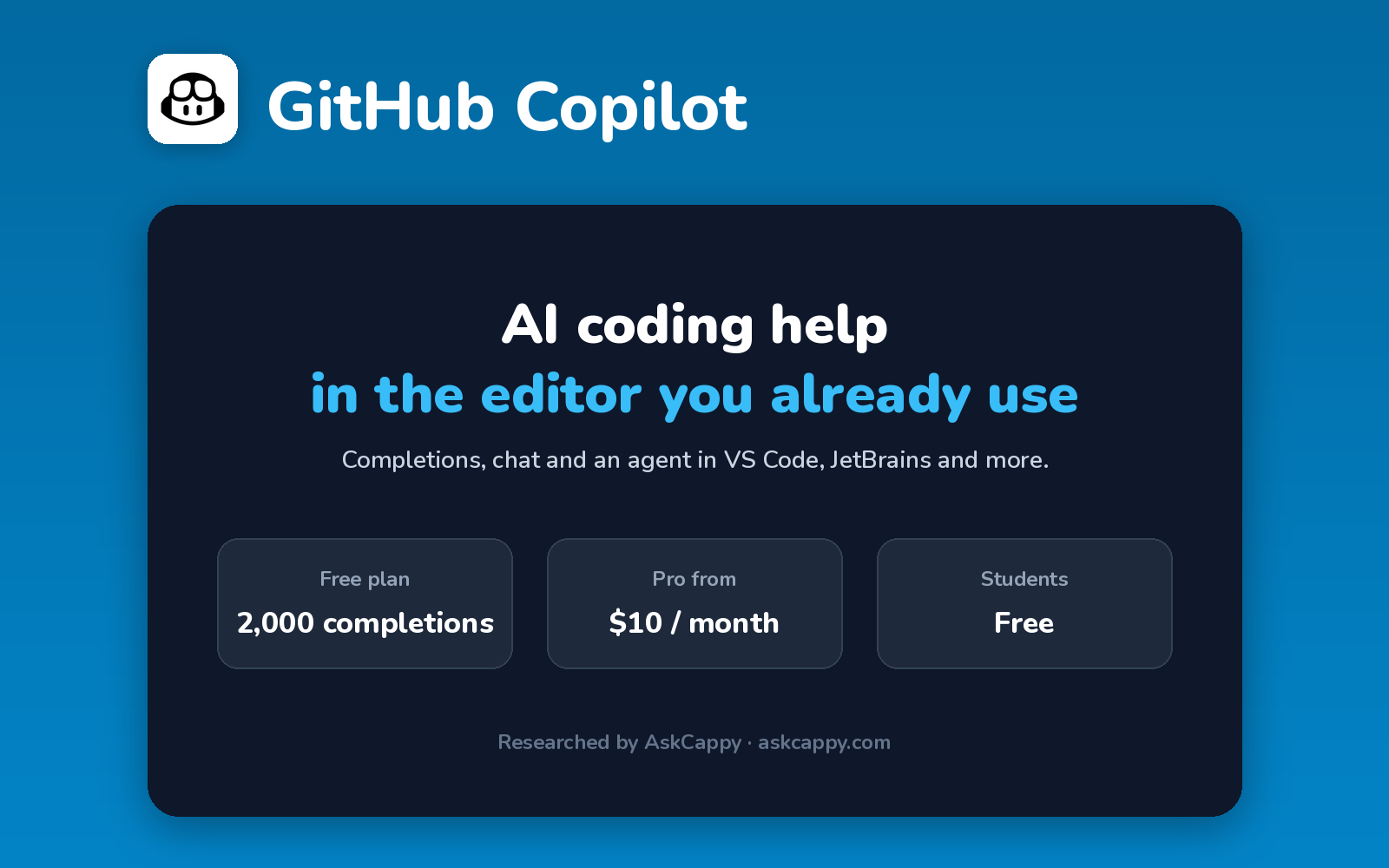
Cappy’s Quick Take
| At a glance | Details |
|---|---|
| What it is | GitHub’s AI coding assistant that works inside the editors you already use |
| Pricing | Freemium · Pro $10/month · Pro+ $39/month · Max $100/month · Business $19/user/month |
| Free plan | Yes, 2,000 code completions a month plus limited chat and agent use |
| Works with | VS Code, JetBrains, Visual Studio and GitHub |
| Best for | Developers who want AI help without switching editors |
| Cappy Score | 4.5/5 |
What is GitHub Copilot?
GitHub Copilot is GitHub’s AI coding assistant. It works inside editors like VS Code, JetBrains and Visual Studio, and on GitHub itself, so you don’t need a new editor.
It completes code as you type, answers questions in chat, runs an agent that makes multi-file changes, and can review pull requests. You can choose models from several AI companies.
Since June 2026, chat and agent use is measured in AI Credits. Code completions stay unlimited on paid plans, and verified students get Copilot free.
Key features
- Code completions: suggestions as you type (unlimited on paid plans).
- Copilot Chat: ask questions and get explanations.
- Agent mode: make multi-file changes from a prompt.
- Code review: AI reviews on pull requests.
- Multiple models: choose models from several AI companies.
- Works in your editor: VS Code, JetBrains, Visual Studio and more.
Pricing plans
| Plan | Price | Good for |
|---|---|---|
| Free | $0 | Trying Copilot, with 2,000 completions a month |
| Pro | $10/month | Most developers, with unlimited completions and $15 of AI Credits |
| Pro+ | $39/month | Heavy users, with $70 of AI Credits and top models |
| Max | $100/month | High-volume agent work, with $200 of AI Credits |
| Business | $19/user/month | Teams, with pooled credits and admin controls |
| Enterprise | $39/user/month | Large organizations |
Which plan should you pick? Start on Free. Pro at $10 is the best value for most developers. Move to Pro+ only if you run agents for hours each week.
GitHub Copilot free plan: what you get
| Feature | Details |
|---|---|
| Code completions | 2,000 a month |
| Chat and agent | Limited allowance |
| Students | Free Student plan for verified students |
| Credit card | Not required |
The catch: Chat and agent use now draws from monthly AI Credits, and premium models use them faster. Completions stay unlimited on paid plans, but heavy agent use can run out mid-month.
Who is GitHub Copilot for?
- Developers: get AI help in their current editor.
- Students: use Copilot free with verification.
- Engineering teams: roll out AI with admin controls.
- Open source maintainers: review and fix code on GitHub.
Consider something else if you want an editor built entirely around AI agents, or unlimited agent use for a flat price.
Pros and cons
Pros
- Works in the editors you already use
- Low price for Pro
- Free for verified students
- Tight GitHub integration
Cons
- Agent use limited by AI Credits
- Billing changed to credits in 2026
- Top models cost more credits
- Free plan is limited
GitHub Copilot alternatives
| Tool | Why consider it |
|---|---|
| Cursor | AI-first code editor with powerful agents |
| Claude Code | Agentic coding in your terminal and IDE |
| OpenAI Codex | Coding agent included with ChatGPT plans |
| Windsurf (Devin Desktop) | AI editor with daily quotas |
How to get started with GitHub Copilot
- Sign in to GitHub and turn on Copilot Free.
- Install the extension in VS Code or JetBrains.
- Start coding and accept suggestions with Tab.
- Open Copilot Chat or agent mode for bigger tasks.
Tip: If you’re a student or teacher, apply through GitHub Education to get Copilot for free.
Frequently asked questions
Is GitHub Copilot free?
Yes. Copilot Free includes 2,000 code completions a month plus limited chat and agent use. Verified students get a free Student plan.
How much does GitHub Copilot cost?
Pro costs $10, Pro+ $39 and Max $100 a month. Business costs $19 and Enterprise $39 per user a month.
What are GitHub Copilot AI Credits?
Since June 2026, chat, agent and premium model use draws from monthly AI Credits. Code completions remain unlimited on paid plans.
Which editors does Copilot work with?
VS Code, JetBrains IDEs, Visual Studio and others, plus GitHub on the web.