
Lavender
Cappy’s Quick Take
| At a glance | Details |
|---|---|
| What it is | An AI email coach that scores your sales emails and helps you write better ones in real time |
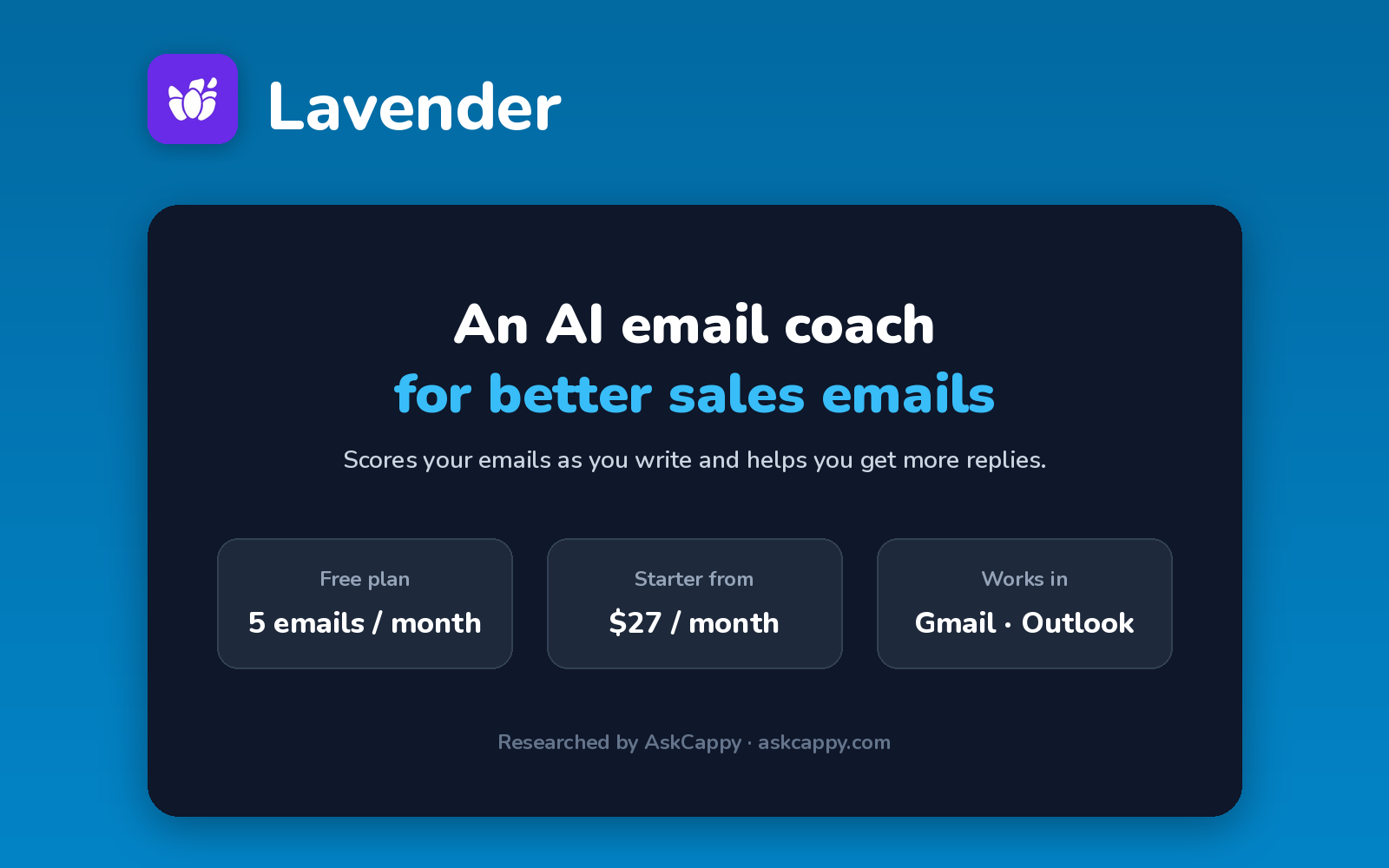
| Pricing | Freemium · Starter $27/month · Individual Pro $45/month · Team $89/seat/month (annual billing) |
| Free plan | Yes, 5 email analyses a month |
| Works with | Gmail and Outlook, plus HubSpot and other sales tools |
| Best for | Sales reps who want to write emails that get more replies |
| Cappy Score | 4.0/5 |
What is Lavender?
Lavender is an AI email coach for sales. It sits inside Gmail or Outlook and scores your email as you write, then suggests changes to make it clearer, shorter and more likely to get a reply.
It also helps with personalization by pulling in information about your prospect, and it can write or rewrite emails for you.
Lavender doesn’t send emails or find leads. It works alongside your outreach tools to improve what you write.
Key features
- Email scoring: see how strong your email is as you write.
- AI coaching: get suggestions to improve clarity and tone.
- Personalization: pull in prospect details to tailor emails.
- AI writing: draft or rewrite emails.
- Mobile preview: check how emails look on phones.
- Team dashboards: coach reps and track progress (Team).
Pricing plans
| Plan | Price | Good for |
|---|---|---|
| Basic | $0 | Trying it, with 5 email analyses a month |
| Starter | $27/month billed annually, or $29 billed monthly | Individual reps, with unlimited coaching |
| Individual Pro | $45/month billed annually, or $49 billed monthly | Reps who want more integrations and priority support |
| Team | $89/seat/month billed annually, or $99 billed monthly | Managers coaching a team of reps |
Which plan should you pick? Try Basic on a few real emails. Starter is enough for most reps. Choose Team if you manage reps and want coaching dashboards.
Lavender free plan: what you get
| Feature | Details |
|---|---|
| Email analyses | 5 a month |
| Personalizations | 5 a month |
| Works in | Gmail and Outlook |
| Time limit | None |
The catch: 5 analyses a month is only enough to test it. Lavender also doesn’t send emails, so you still need an outreach tool.
Who is Lavender for?
- SDRs: write cold emails that get more replies.
- Account executives: improve follow-ups and proposals.
- Sales managers: coach reps on their writing.
- Founders: sharpen their own outreach.
Consider something else if you need a tool that finds leads or sends campaigns, since Lavender only coaches your writing.
Pros and cons
Pros
- Real-time scoring inside your inbox
- Easy to use
- Useful free plan for testing
- Low-cost individual plans
Cons
- Doesn’t send emails or find leads
- Free plan is very limited
- Team plan is priced per seat
- Value depends on how much you write
Lavender alternatives
| Tool | Why consider it |
|---|---|
| Apollo.io | Contact data and outreach in one tool |
| lemlist | Personalized multichannel outreach |
| Instantly.ai | High-volume cold email sending |
| Clay | Data enrichment for targeted lists |
How to get started with Lavender
- Sign up free at lavender.ai.
- Install the extension for Gmail or Outlook.
- Write an email and watch the score.
- Apply suggestions and send.
Tip: Use Lavender on your most important emails first, like first-touch cold emails, where small improvements matter most.
Frequently asked questions
Is Lavender free?
Yes. Lavender’s Basic plan is free and includes 5 email analyses a month.
How much does Lavender cost?
Starter costs $29, Individual Pro $49 and Team $99 per seat a month. Billed annually, they cost $27, $45 and $89.
Does Lavender send emails?
No. Lavender coaches and improves your writing inside Gmail or Outlook. You send from your usual tools.
Does Lavender work with Outlook?
Yes. Lavender works in both Gmail and Outlook.