
Gamma
Cappy’s Quick Take
| At a glance | Details |
|---|---|
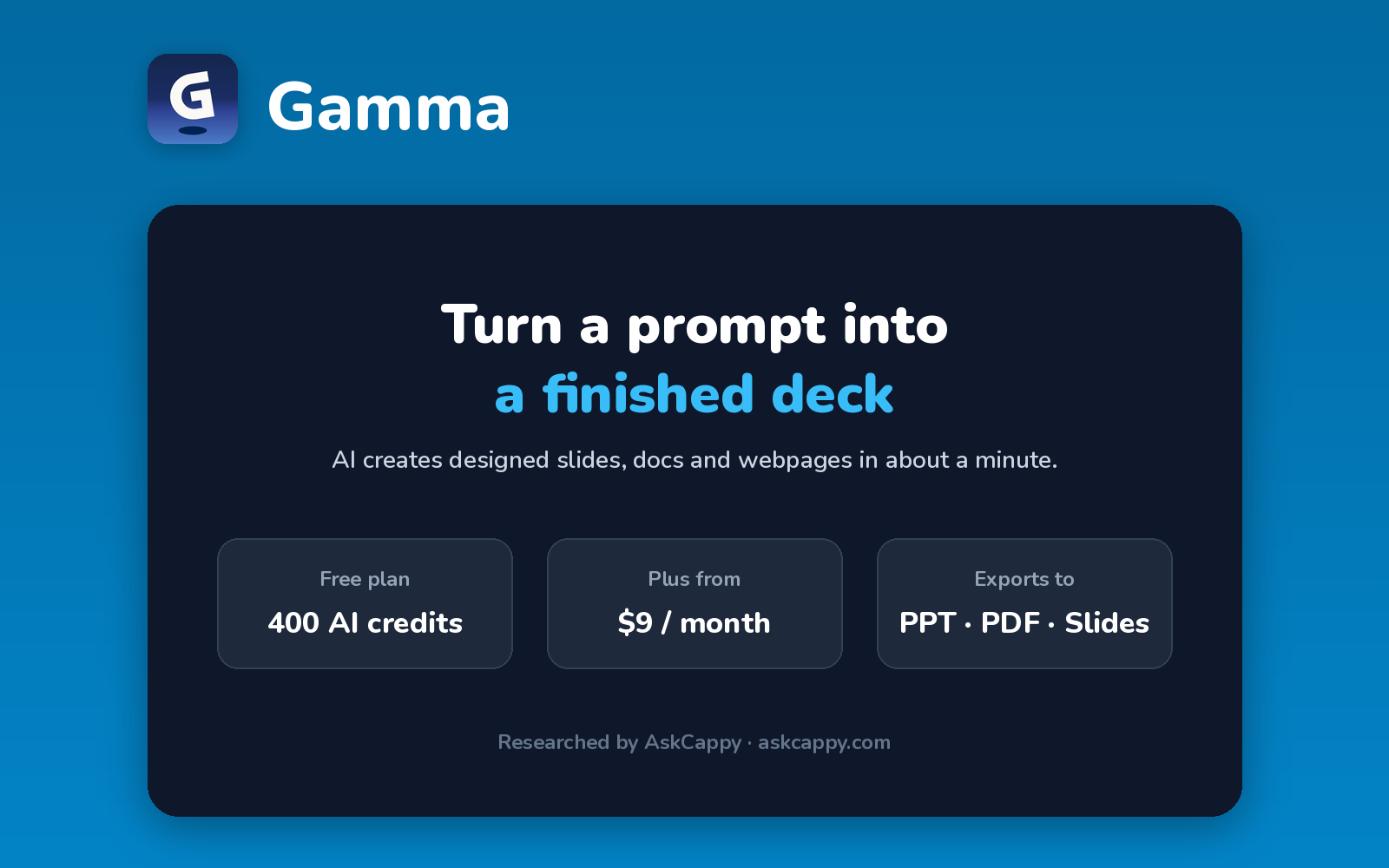
| What it is | An AI presentation maker that turns a prompt or document into slides, docs and webpages |
| Pricing | Freemium · Plus $9/seat/month · Pro $18/seat/month (annual billing) |
| Free plan | Yes, 400 one-time AI credits, with Gamma branding on exports |
| Works with | Exports to PowerPoint, PDF and Google Slides |
| Best for | Anyone who needs a good-looking deck fast, without design skills |
| Cappy Score | 4.4/5 |
What is Gamma?
Gamma is an AI presentation maker. You describe what you need, or paste notes or a document, and Gamma creates a complete presentation with layouts, text and images in about a minute.
Besides slides, Gamma can create documents and simple webpages from the same prompt. You can edit everything afterward, restyle it with themes and ask the AI to rewrite or expand any part.
It runs on AI credits: the free plan gives you a one-time batch to try it, and paid plans refill credits every month.
Key features
- AI generation: create a full presentation from a prompt, notes or an uploaded document.
- Slides, docs and webpages: use the same editor for presentations, documents and simple websites.
- AI editing: rewrite, shorten, expand or restyle any card with AI.
- AI images: generate images for your slides (premium models on Pro).
- Exports: download as PDF or PowerPoint, or export to Google Slides.
- Analytics and custom domains: see how people view your decks and publish on your own domain (Pro).
Pricing plans
| Plan | Price | Good for |
|---|---|---|
| Free | $0 | Trying Gamma with 400 one-time credits |
| Plus | $9/seat/month billed annually ($108/year), or $12 billed monthly | Regular users who want 1,500 credits a month, up to 100 slides per prompt and no Gamma branding |
| Pro | $18/seat/month billed annually ($216/year), or $25 billed monthly | Heavy users who want 4,000 credits a month, custom branding, analytics and API access |
| Ultra | $90/seat/month billed annually | Power users who need 20,000 credits a month and the most advanced models ($100 billed monthly) |
Which plan should you pick? Start on Free to test it. Choose Plus if you make a deck or two a month and need to remove Gamma branding, and Pro if you create presentations every week or need custom branding.
Gamma free plan: what you get
| Feature | Details |
|---|---|
| AI credits | 400, one time (they don’t refill) |
| Slides per prompt | Up to 10 |
| Exports | PDF, PowerPoint, PNG and Google Slides |
| Branding | Gamma branding on exports |
The catch: The free credits don’t refill. Each slide uses 1 to 3 credits, but AI images use up to 125 each, so image-heavy users run out after a few decks.
Who is Gamma for?
- Founders and startups: build pitch decks quickly.
- Consultants and marketers: turn notes into client-ready slides.
- Educators and students: create lesson and class presentations.
- Anyone short on time: get a designed first draft in about a minute.
Consider something else if you need pixel-perfect control over every slide, or a free plan you can use indefinitely.
Pros and cons
Pros
- Very fast from prompt to finished deck
- Clean, modern designs with no design skills needed
- Exports to PowerPoint, PDF and Google Slides
- Also creates documents and webpages
Cons
- Free credits are one-time only
- Credit costs vary by action, which can be hard to predict
- Gamma branding on free exports
- Less precise layout control than traditional slide tools
Gamma alternatives
| Tool | Why consider it |
|---|---|
| Beautiful.ai | Smart Slides that keep designs tidy as you edit, with unlimited AI on paid plans |
| Pitch | Strong real-time collaboration and deck analytics for teams |
| Prezi | Zooming, interactive presentations with unlimited AI on Plus and above |
| Presentations.AI | AI-generated decks with a free Starter plan and brand controls on Pro |
Compare them all side by side in our AI Presentation Makers list, or read our full Gamma review.
How to get started with Gamma
- Sign up free with your Google account or email.
- Click Create new, then type a prompt or paste your notes.
- Pick a theme and the number of slides, and let Gamma generate the deck.
- Edit and export to PowerPoint, PDF or Google Slides, or share a link.
Tip: Write a detailed prompt, including your audience and goal. Better prompts mean fewer regenerations, which saves credits.
Frequently asked questions
Is Gamma free?
Yes. Gamma’s free plan gives you 400 AI credits at sign-up, enough for a handful of presentations. The credits don’t refill.
How much does Gamma cost?
Plus costs $9 per seat per month billed annually ($12 monthly), and Pro costs $18 per seat per month billed annually ($25 monthly).
Can I export Gamma presentations to PowerPoint?
Yes. You can export to PowerPoint and PDF, and to Google Slides, on every plan.
How do Gamma credits work?
Every AI action uses credits, such as generating a deck or an AI image. Paid plans get a monthly allowance: 1,500 on Plus and 4,000 on Pro.