
Presentations.AI
Cappy’s Quick Take
| At a glance | Details |
|---|---|
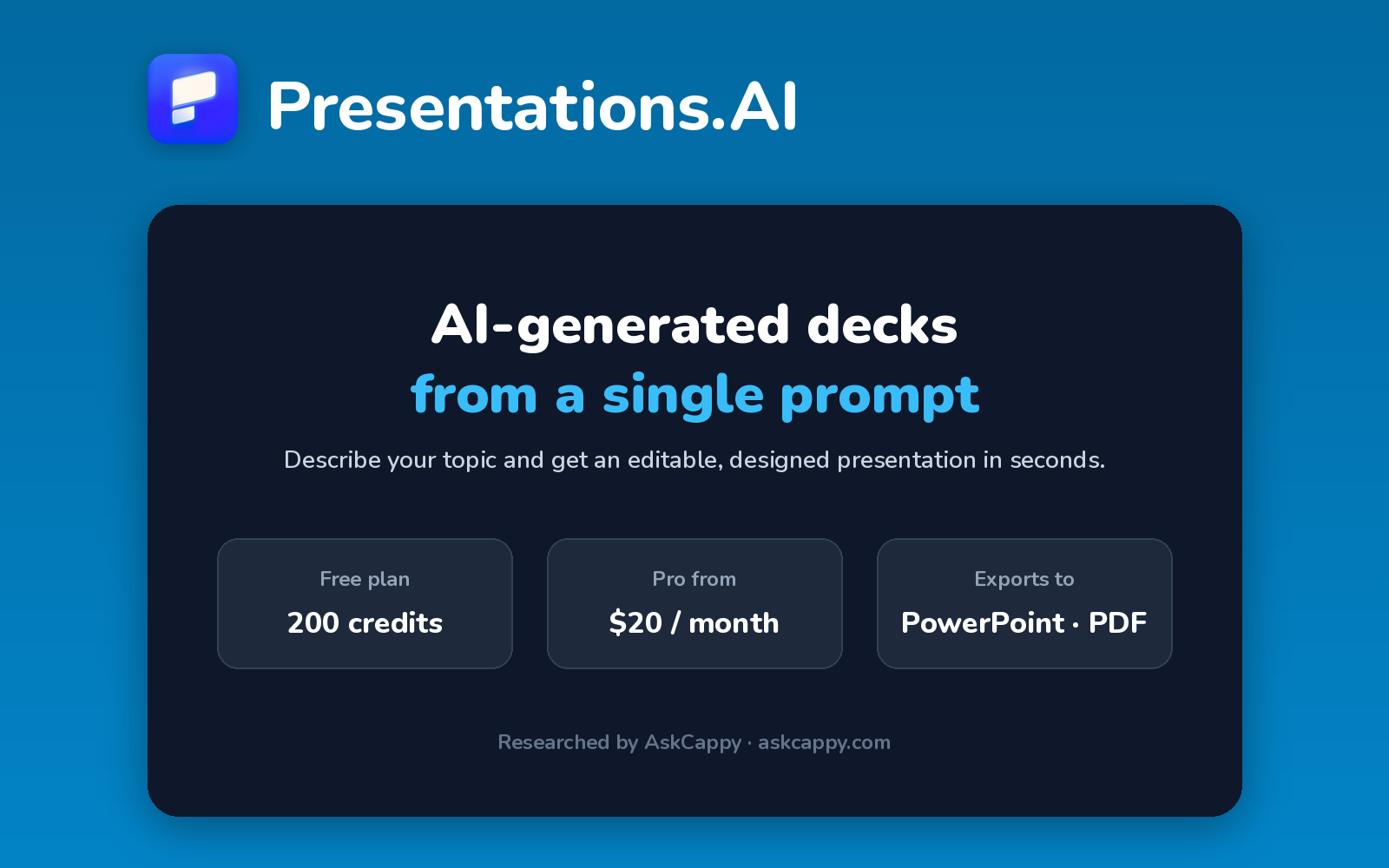
| What it is | An AI presentation maker that creates decks from a prompt, with credit-based usage |
| Pricing | Freemium · Pro $20/month · Gold $100/month (annual billing) |
| Free plan | Yes, 200 credits and decks up to 20 slides |
| Works with | Exports to PowerPoint and PDF |
| Best for | Individuals who want quick AI-generated decks with brand customization |
| Cappy Score | 3.9/5 |
What is Presentations.AI?
Presentations.AI is an AI presentation maker. You describe your topic, and it generates a complete deck with structure, text and visuals that you can then edit.
Usage runs on credits: the free Starter plan includes a small allowance, and paid plans add many more along with brand customization and private links.
It’s aimed at individuals and small businesses who want a designed first draft quickly, without learning a full design tool.
Key features
- AI deck generation: create a presentation from a prompt or topic.
- Editable designs: adjust text, layout and visuals after generating.
- Brand customization: apply your colors and fonts (Pro).
- Exports: download decks as PowerPoint or PDF.
- Sharing links: share unbranded public links, or password-protected links on Pro.
- Advanced models: access frontier AI models and a shared knowledge base on Gold.
Pricing plans
| Plan | Price | Good for |
|---|---|---|
| Starter | $0 | Trying it with 200 credits and decks up to 20 slides |
| Pro | $20/month billed annually | Regular users who want 5,000 credits and brand customization |
| Gold | $100/month billed annually | Heavy users who need 50,000 credits and advanced models |
Which plan should you pick? Start on Starter to test it. Choose Pro if you make decks regularly and need your own branding. Gold is only for very heavy use.
Presentations.AI free plan: what you get
| Feature | Details |
|---|---|
| Credits | 200 |
| Slides per deck | Up to 20 |
| Exports | PowerPoint and PDF |
| Public links | Unbranded |
The catch: The free credits go quickly, and there’s no per-seat team plan, so teams need separate Pro subscriptions.
Who is Presentations.AI for?
- Founders: draft pitch decks quickly.
- Marketers: create campaign and sales presentations.
- Consultants: turn ideas into client-ready slides.
- Individuals: get a designed deck without design skills.
Consider something else if you need a team plan with shared admin, or lots of AI usage for free.
Pros and cons
Pros
- Free Starter plan with PowerPoint and PDF export
- Fast prompt-to-deck generation
- Brand customization on Pro
- Unbranded public links even on free
Cons
- Credit-based usage can run out quickly
- No per-seat team plan
- Prices vary by country
- Gold plan is expensive for most users
Presentations.AI alternatives
| Tool | Why consider it |
|---|---|
| Gamma | A popular AI deck maker with lower-cost paid plans |
| Beautiful.ai | Smart Slides and unlimited AI on paid plans |
| Pitch | Collaboration and deck analytics for teams |
| Prezi | Zooming, interactive presentations |
How to get started with Presentations.AI
- Sign up free for the Starter plan.
- Describe your topic and let the AI generate a deck.
- Edit the slides and adjust the design.
- Export to PowerPoint or PDF, or share a link.
Tip: Prices vary by country, so check the price shown for your region before upgrading.
Frequently asked questions
Is Presentations.AI free?
Yes. The Starter plan is free, with 200 credits and decks of up to 20 slides.
How much does Presentations.AI cost?
Pro costs $20 per month billed annually, and Gold costs $100 per month billed annually.
Can I export to PowerPoint?
Yes. You can export decks to PowerPoint and PDF, including on the free plan.
Does Presentations.AI have a team plan?
There’s no per-seat team plan, so each team member needs their own Pro subscription.