
Adobe Firefly
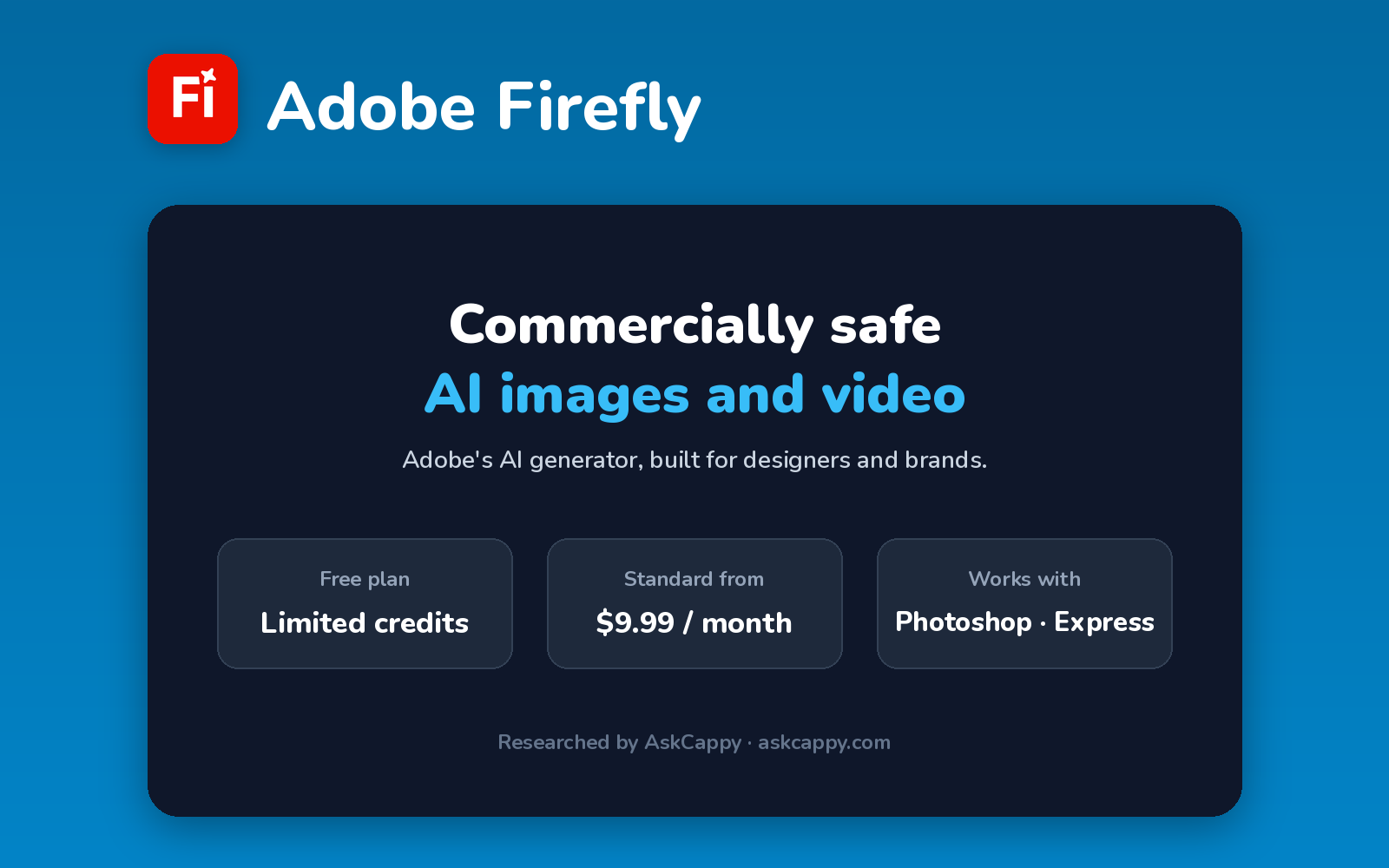
Cappy’s Quick Take
| At a glance | Details |
|---|---|
| What it is | Adobe’s AI image and video generator, designed to be safe for commercial use |
| Pricing | Freemium · Standard $9.99/month · Pro $19.99/month · Pro Plus $49.99/month · Premium $199.99/month |
| Free plan | Yes, a limited number of standard and premium generations |
| Works with | Photoshop, Adobe Express and other Creative Cloud apps |
| Best for | Designers and businesses who want AI images they can use commercially |
| Cappy Score | 4.3/5 |
What is Adobe Firefly?
Adobe Firefly is Adobe’s AI tool for creating images, videos, audio and vector graphics from text prompts. It’s available as a web and mobile app, and its features also power AI tools inside Photoshop and Adobe Express.
Adobe designs its own Firefly models to be safe for commercial use. The Firefly app also lets you use partner models from other AI companies, which use premium credits.
Paid plans split generations into two kinds: standard features like text to image and Generative Fill are unlimited, while premium features like video, audio and partner models use your monthly generative credits.
Key features
- Text to image: create images from a prompt with Adobe’s Firefly models.
- Generative Fill and Expand: add, remove or extend parts of an image.
- Text and image to video: create short video clips (uses premium credits).
- Partner models: use AI models from other companies inside the Firefly app.
- Text to vector: generate editable vector graphics.
- Adobe integration: use Firefly features in Photoshop and Adobe Express.
Pricing plans
| Plan | Price | Good for |
|---|---|---|
| Free | $0 | Trying Firefly with limited generations |
| Standard | $9.99/month | Unlimited standard images plus 2,000 credits a month (about 20 five-second videos) |
| Pro | $19.99/month | 4,000 credits, plus Adobe Express Premium and Photoshop on web and mobile |
| Pro Plus | $49.99/month | Heavier video and partner-model use, with 10,000 credits |
| Premium | $199.99/month | High-volume production, with 50,000 credits and unlimited Firefly Video Model use |
Which plan should you pick? Choose Standard if you mainly create images: standard image generation is unlimited. Choose Pro if you also want Photoshop on web and mobile and Adobe Express Premium. Pro Plus and Premium only make sense for heavy video work.
Adobe Firefly free plan: what you get
| Feature | Details |
|---|---|
| Standard generations | Limited |
| Premium generations | A few, limited |
| Video and partner models | Very limited (premium credits) |
| Platforms | Web and mobile app |
The catch: Adobe doesn’t publish an exact free allowance, and premium features drain credits quickly. Even on Standard, 2,000 credits cover only about 20 five-second videos, and unused credits don’t roll over.
Who is Adobe Firefly for?
- Designers: extend and edit images inside Adobe apps.
- Marketers: create on-brand visuals for campaigns.
- Businesses: generate images built for commercial use.
- Adobe users: add AI to the tools they already use.
Consider something else if you want the most artistic images possible, or you plan to make lots of AI video on a small budget.
Pros and cons
Pros
- Designed for commercial use
- Unlimited standard images on every paid plan
- Works with Photoshop and Adobe Express
- Images, video, audio and vectors in one app
Cons
- Video and partner models use credits fast
- Free allowance isn’t clearly published
- Unused credits don’t roll over
- Teams plans start at Pro, not Standard
Adobe Firefly alternatives
| Tool | Why consider it |
|---|---|
| Midjourney | Highly artistic, polished images |
| Ideogram | Accurate text in images, with a free weekly allowance |
| Leonardo.ai | Many AI models and free daily tokens |
| Recraft | Vector graphics and brand-consistent styles |
How to get started with Adobe Firefly
- Sign in free at firefly.adobe.com with an Adobe account.
- Pick Generate Image, or another tool like Generate Video.
- Type a prompt and adjust the style and aspect ratio.
- Download your image, or keep editing it in Photoshop or Adobe Express.
Tip: Check the credit cost before running video or partner models. Standard image generation is unlimited on paid plans, so it doesn’t eat into your credits.
Frequently asked questions
Is Adobe Firefly free?
Yes. Firefly has a free plan with a limited number of standard and premium generations. Paid plans start at $9.99 a month.
How much does Adobe Firefly cost?
Standard costs $9.99, Pro $19.99, Pro Plus $49.99 and Premium $199.99 a month.
What are Adobe generative credits?
Credits pay for premium features like video, audio and partner models. Standard image features are unlimited on paid plans, and monthly credits don’t roll over.
Is Adobe Firefly safe for commercial use?
Adobe designs its own Firefly models to be safe for commercial use. Partner models from other companies may have their own terms, so check before using them in client work.