
Publer
Cappy’s Quick Take
| At a glance | Details |
|---|---|
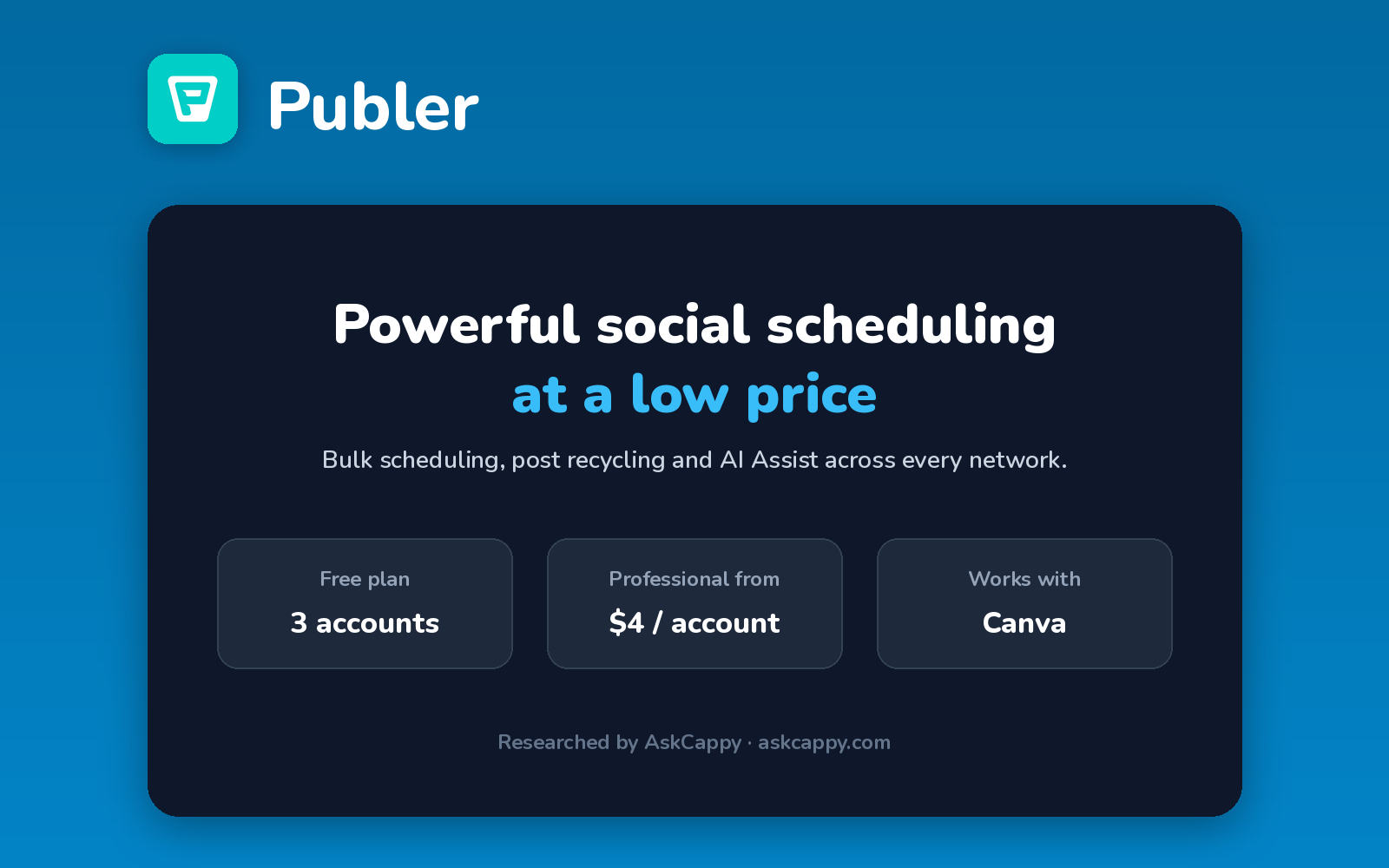
| What it is | An affordable social media scheduler with per-account pricing, AI Assist and post recycling |
| Pricing | Freemium · Professional $4/account/month · Business $8/account/month (annual billing) |
| Free plan | Yes, 3 accounts (no X) with 10 scheduled posts each |
| Works with | Major social networks, plus Canva |
| Best for | Creators and small teams who want powerful scheduling at a low price |
| Cappy Score | 4.4/5 |
What is Publer?
Publer is a social media scheduler that covers all the major networks. It’s popular for packing many features into a low price, including bulk scheduling, post recycling and a calendar view.
Its AI Assist helps write posts and generate images. On Business, AI is unlimited and analytics, best times to post and competitor analysis are included.
Publer charges per social account, with extra team members priced separately. Every tenth account and team member is free.
Key features
- Scheduling: plan posts across all major networks.
- Bulk scheduling: upload and schedule many posts at once.
- AI Assist: write posts and create images (unlimited on Business).
- Post recycling: reshare your best posts automatically (Business).
- Analytics: performance reports and best times to post (Business).
- Canva integration: design posts in Canva and schedule them.
Pricing plans
| Plan | Price | Good for |
|---|---|---|
| Free | $0 | Up to 3 accounts (not X) and 10 scheduled posts per account |
| Professional | $4/account/month billed annually, or $5 billed monthly | Creators who need unlimited scheduling and X support |
| Business | $8/account/month billed annually, or $10 billed monthly | Businesses that want analytics, recycling and unlimited AI |
| Enterprise | Custom | Large teams with custom needs |
Which plan should you pick? Start on Free. Choose Professional for unlimited scheduling or if you post to X. Choose Business if you want analytics, post recycling and unlimited AI.
Publer free plan: what you get
| Feature | Details |
|---|---|
| Accounts | Up to 3 (X not included) |
| Scheduled posts | 10 per account |
| Post history | 24 hours |
| Users | 1 |
The catch: The free plan doesn’t support X and keeps your post history for just 24 hours. Professional has no analytics, so you need Business for reports.
Who is Publer for?
- Creators: schedule posts across many networks.
- Small businesses: get advanced features on a budget.
- Agencies: manage many accounts cheaply.
- Marketers: recycle evergreen content.
Consider something else if you need enterprise-grade listening and reporting, or a large shared inbox for customer care.
Pros and cons
Pros
- Very low price per account
- Useful free plan
- Bulk scheduling and post recycling
- Every tenth account and member free
Cons
- Free plan excludes X
- No analytics on Professional
- Team members cost extra
- Costs grow with many accounts
Publer alternatives
| Tool | Why consider it |
|---|---|
| Buffer | Simple scheduling with AI on every plan |
| Hootsuite | All-in-one management for larger teams |
| Sprout Social | Advanced analytics and Smart Inbox |
| Predis.ai | AI that creates posts, videos and ads |
How to get started with Publer
- Sign up free at publer.com.
- Connect up to 3 social accounts.
- Create posts, or use AI Assist and Canva to design them.
- Schedule and upgrade when you need more.
Tip: Choose annual billing to save 20%, and remember every tenth account is free when you add more.
Frequently asked questions
Is Publer free?
Yes. The free plan covers up to 3 social accounts (not X), with 10 scheduled posts per account.
How much does Publer cost?
Professional costs $5 and Business $10 per social account per month. Billed annually, they cost $4 and $8.
Does Publer charge per account?
Yes. You pay per connected social account, and extra team members are priced separately.
Does Publer have AI?
Yes. AI Assist writes posts and creates images, and it’s unlimited on the Business plan.